Account Attachment Preview
Account Attachment Preview is a Flectra extended module that is used to see the preview of the binary files.
Table of contents
Installation
To install this, follow below steps:
- Just simply mount this module as Flectra's custom module.
- Now, Install the module in Flectra from Main Apps section.
Usage
How to use this module:
- Go to Settings -> Technical -> Database Structure -> Attachments.
- Open any binary attachment (Pdf/Image).
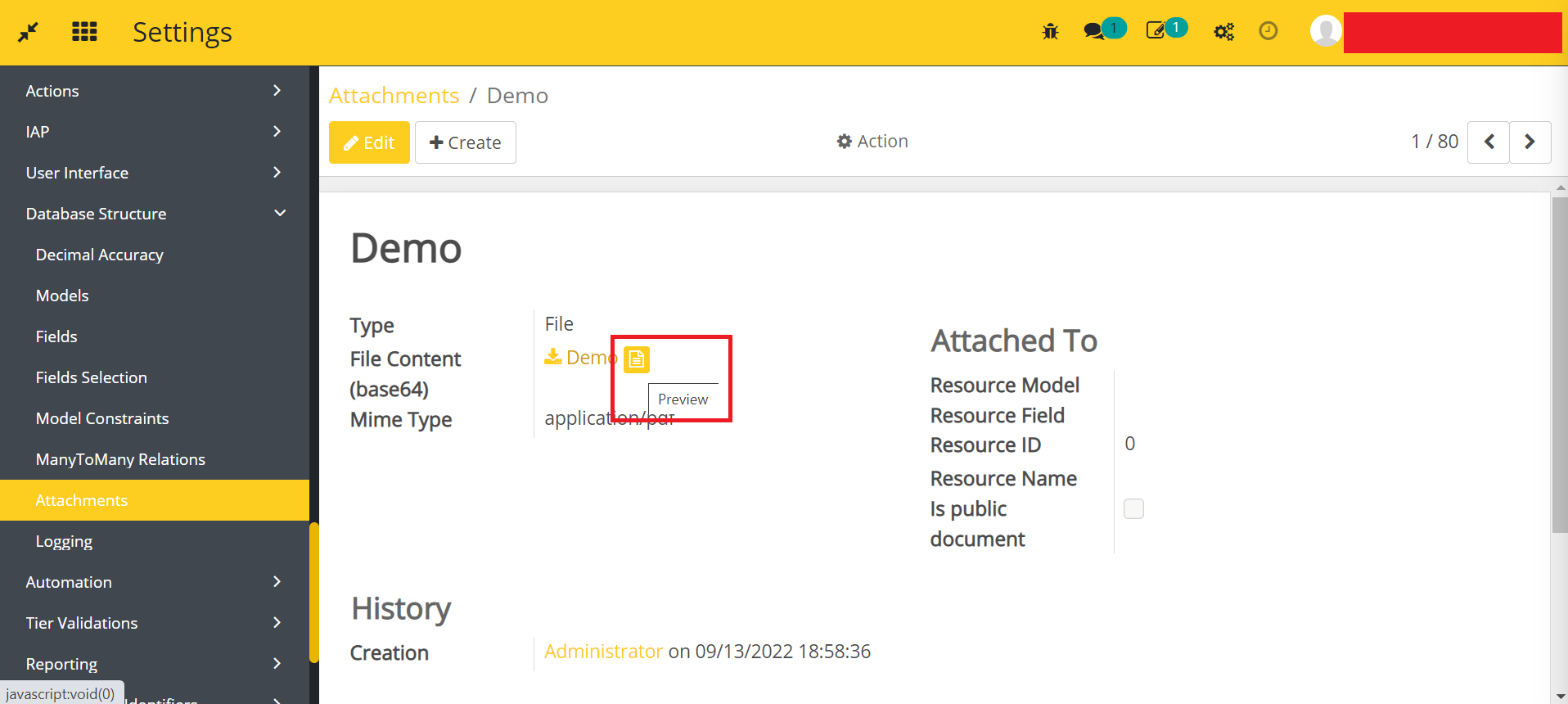
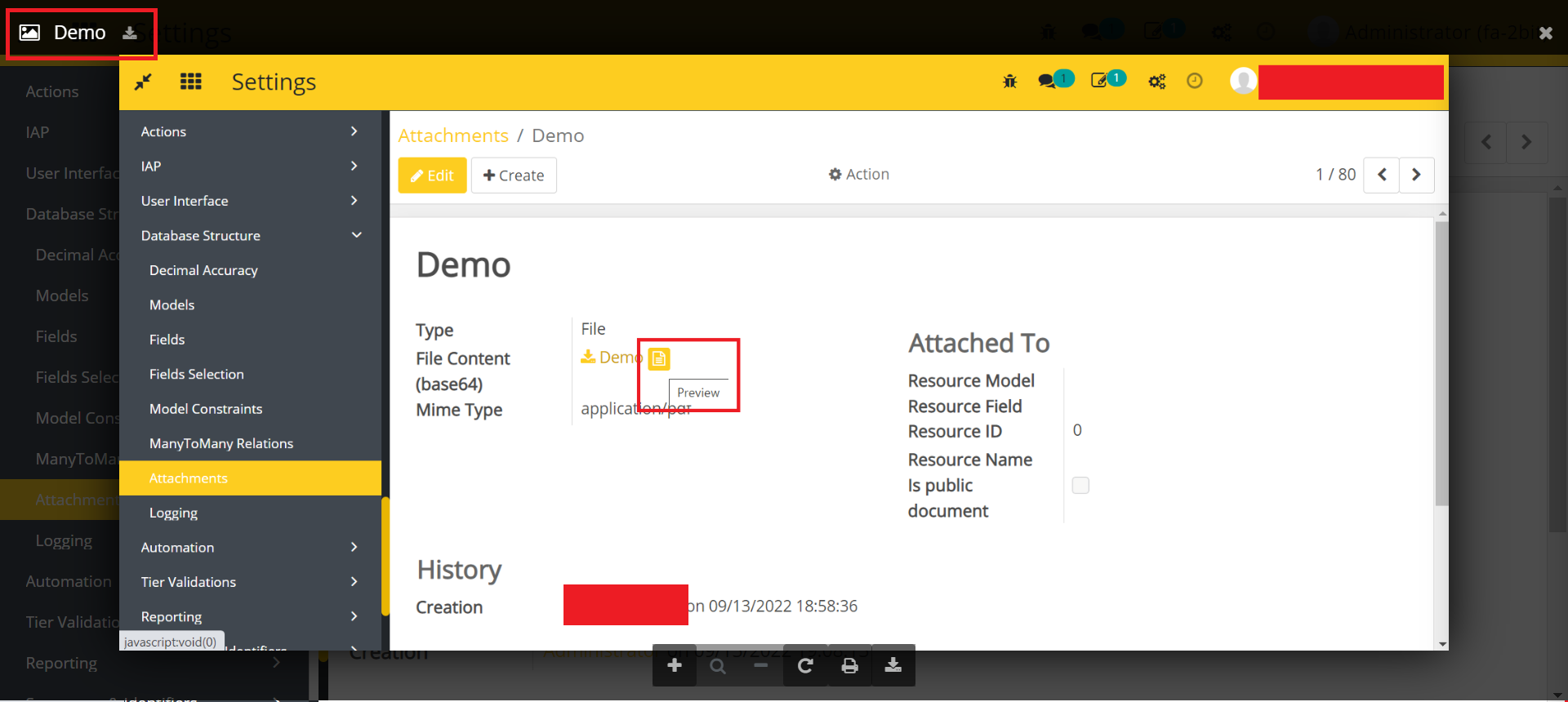
- Click on the icon shown in the above image, and a file preview will open in the pop-up.
- Go to Accounting -> Bills.
- Open a bill.
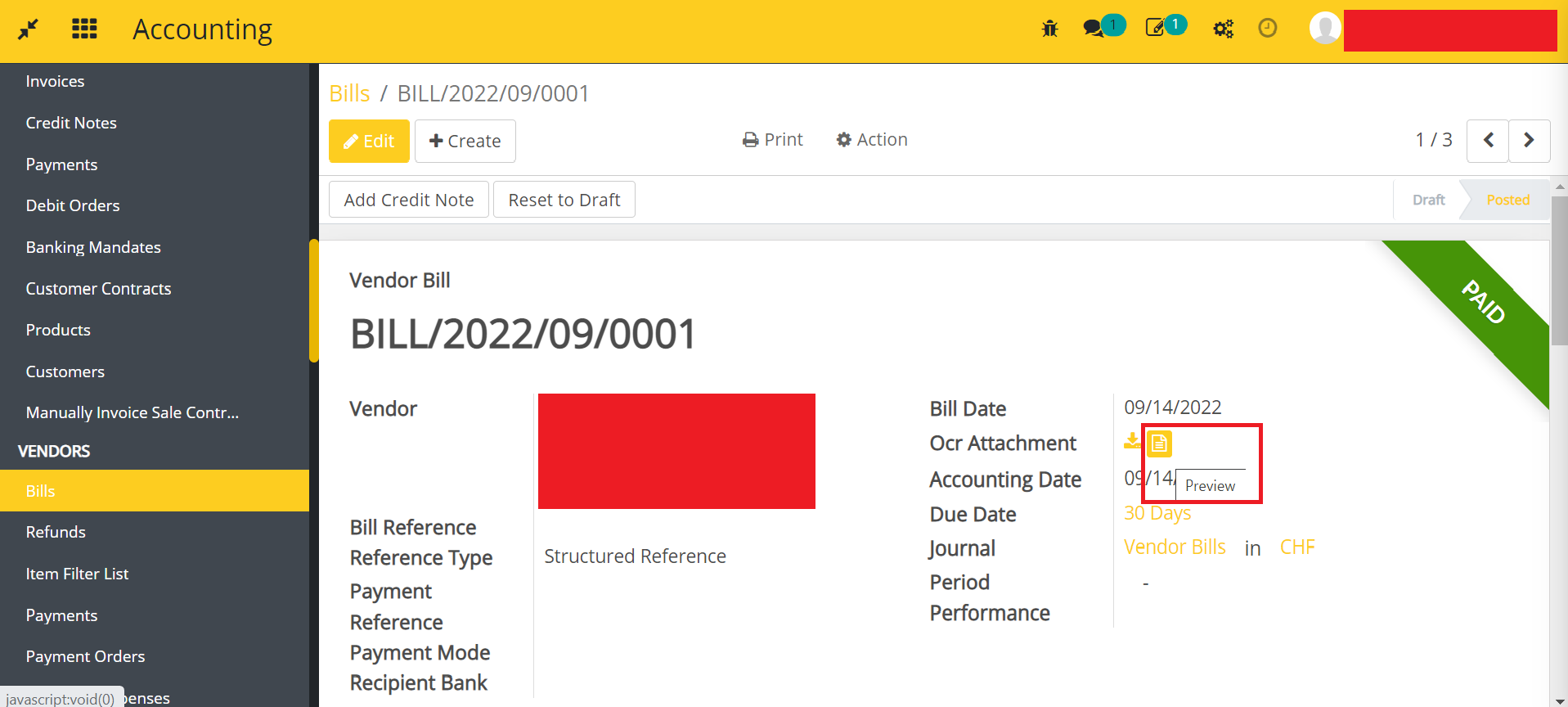
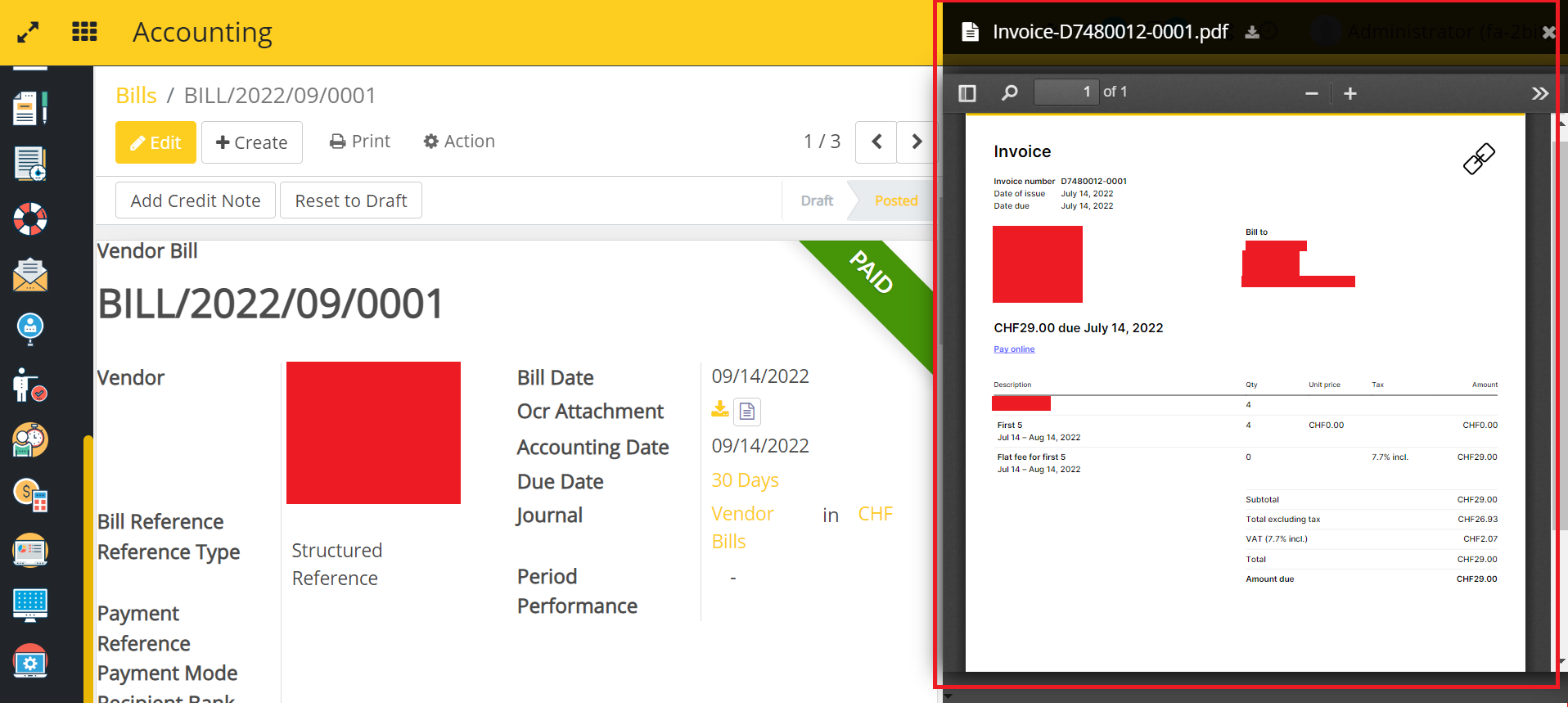
- Click on the icon shown in the above image, file preview will be open.
How to use this in your own module
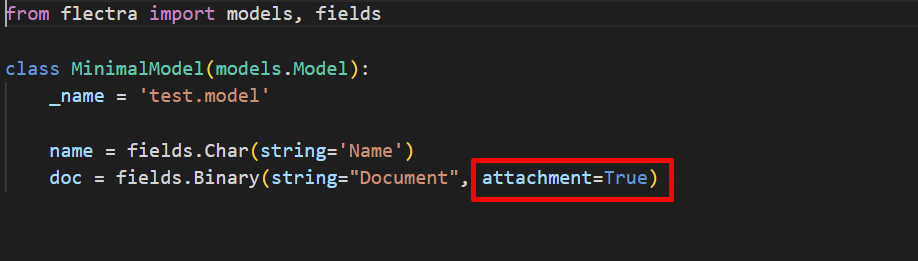
- Define attachment=True in the binary field of your module shown in the below image.
- Go to your module Form view, upload a file in the binary field and save it. You will see the icon for preview.
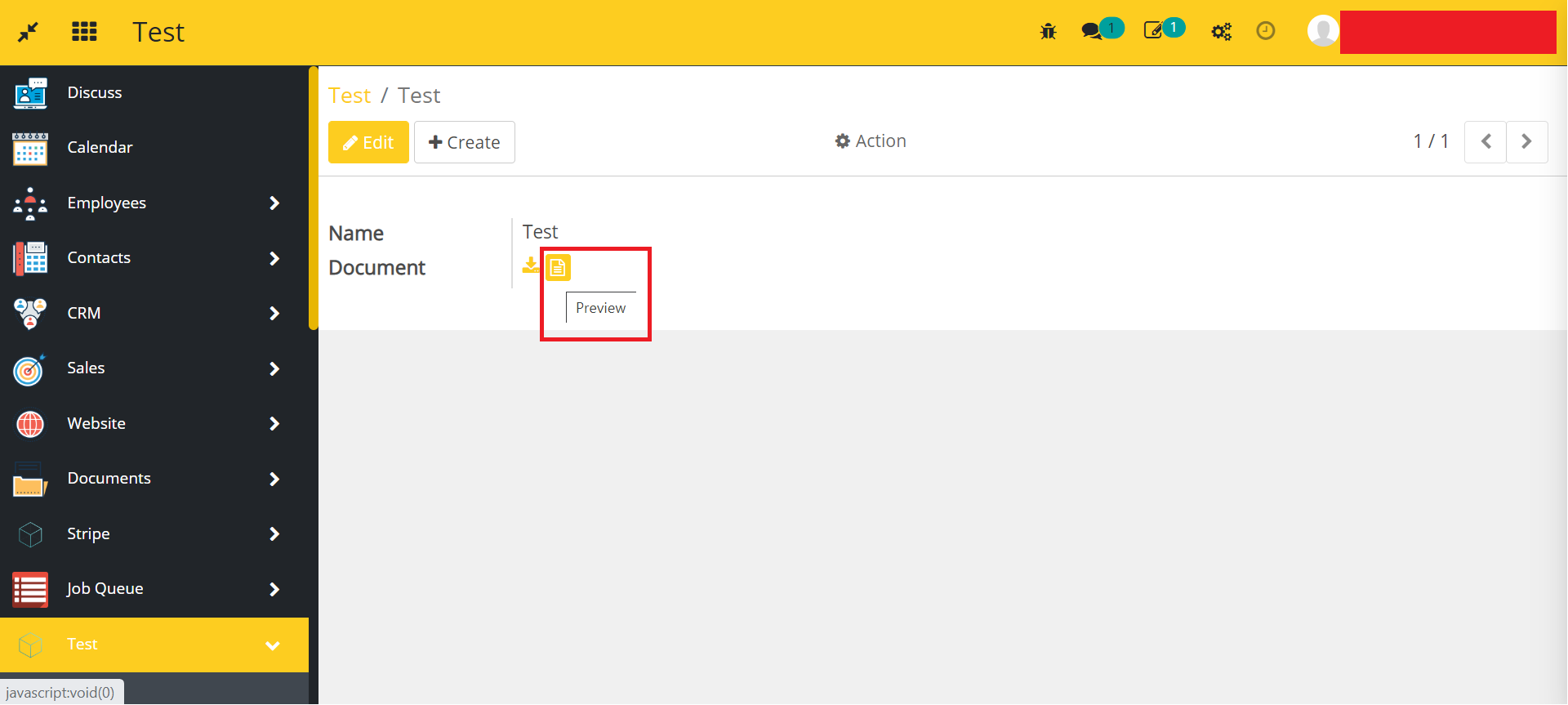
- Click on the icon shown in the above image, and a file preview will open in the pop-up.
Dependent modules
- account_invoice_ocr
- ks_binary_file_preview
Change Logs
- ADDED Account Attachment Preview Module