Accounting Invoice OCR
Accounting Invoice OCR is a Flectra extended module that is used to create a bill if an attachment has a QR code, this module uses the QR and gets the details from the QR, and creates a bill if required data is available and correct Stripe Subscription in place.
Table of contents
Installation
To install this, follow below steps:
- Just simply mount this module as Flectra's custom module.
- Now, Install the module in Flectra from Main Apps section.
Usage
Follow the below steps before using this module and purchase a Stripe subscription to scan OCR bills:
- Open Flectra -> go to Settings -> activate the Companies -> select a company.
- Click on Active Stripe Subscription button.

- User will be able to see active Stripe subscription details.
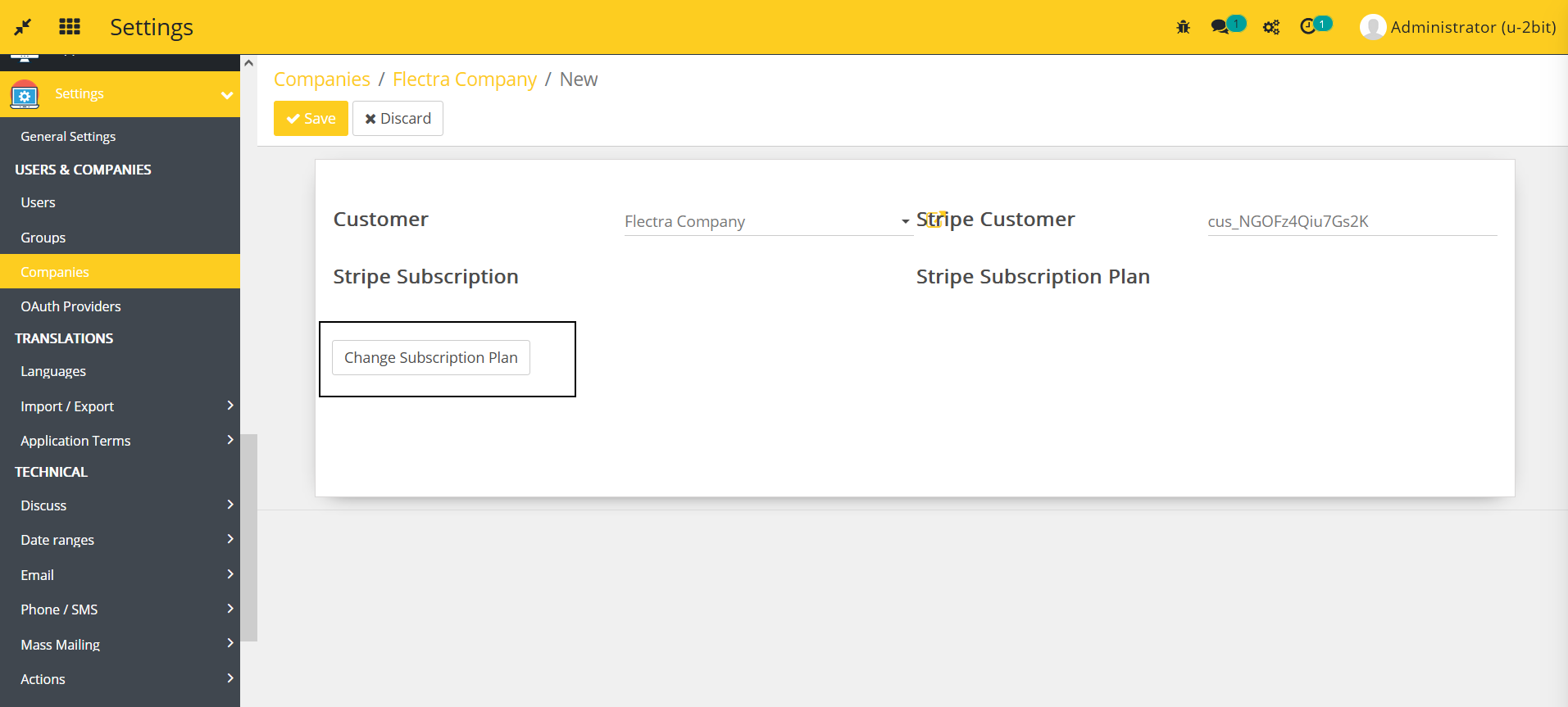
- Make sure that Stripe customer ID is available there. If not, import the customer and products from Stripe.
- Click on Change Subscription Plan button if you want to change the Stripe subscription plan.
- User will be able to see Stripe customer portal from where user can manage the subscription details.
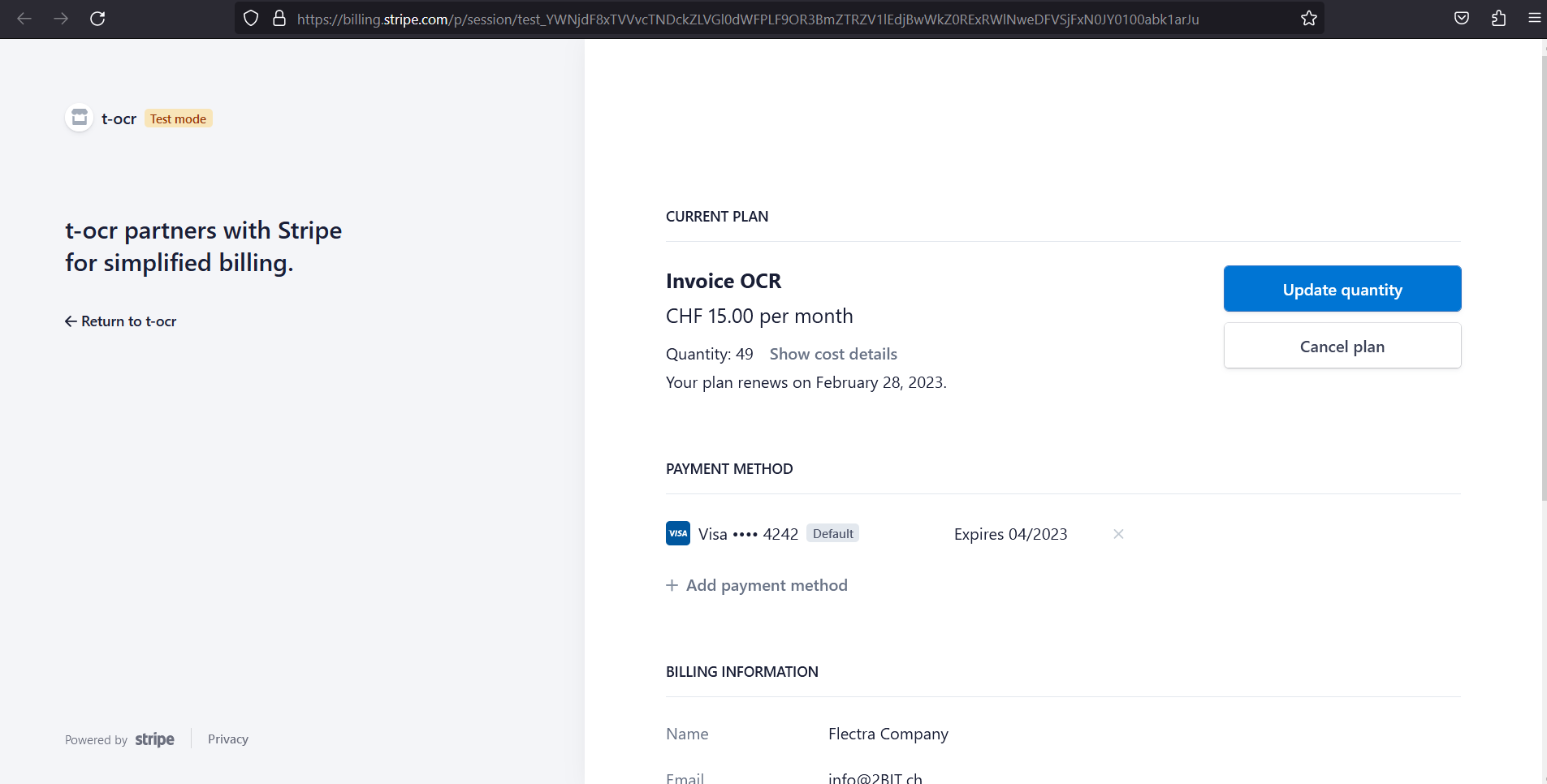
- Once user changes the subscription over the customer portal, it will be visible in Active Subscription in Flectra.
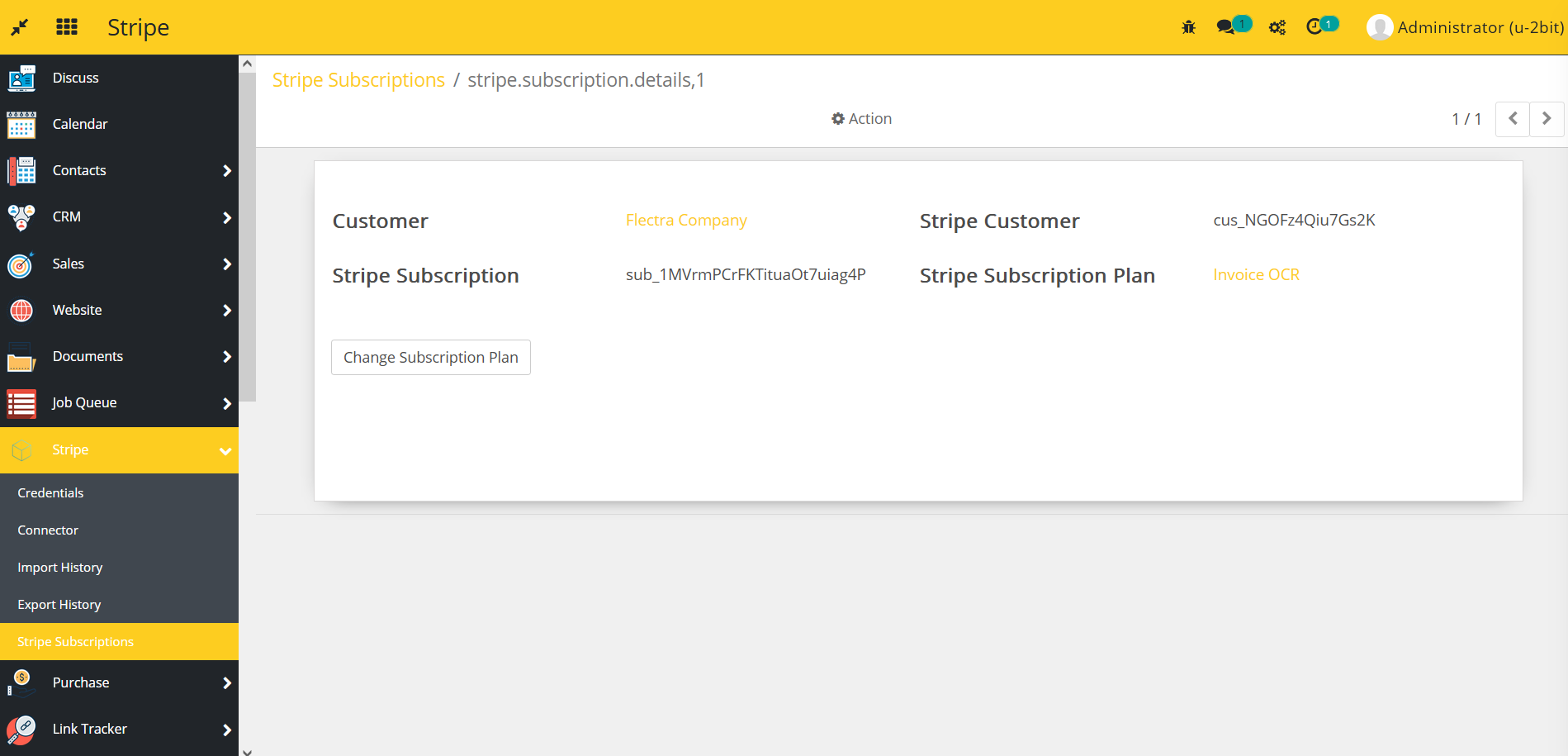
How to use this module:
- Go to Accounting -> go to Bills.
- You will see the Upload Ocr button.
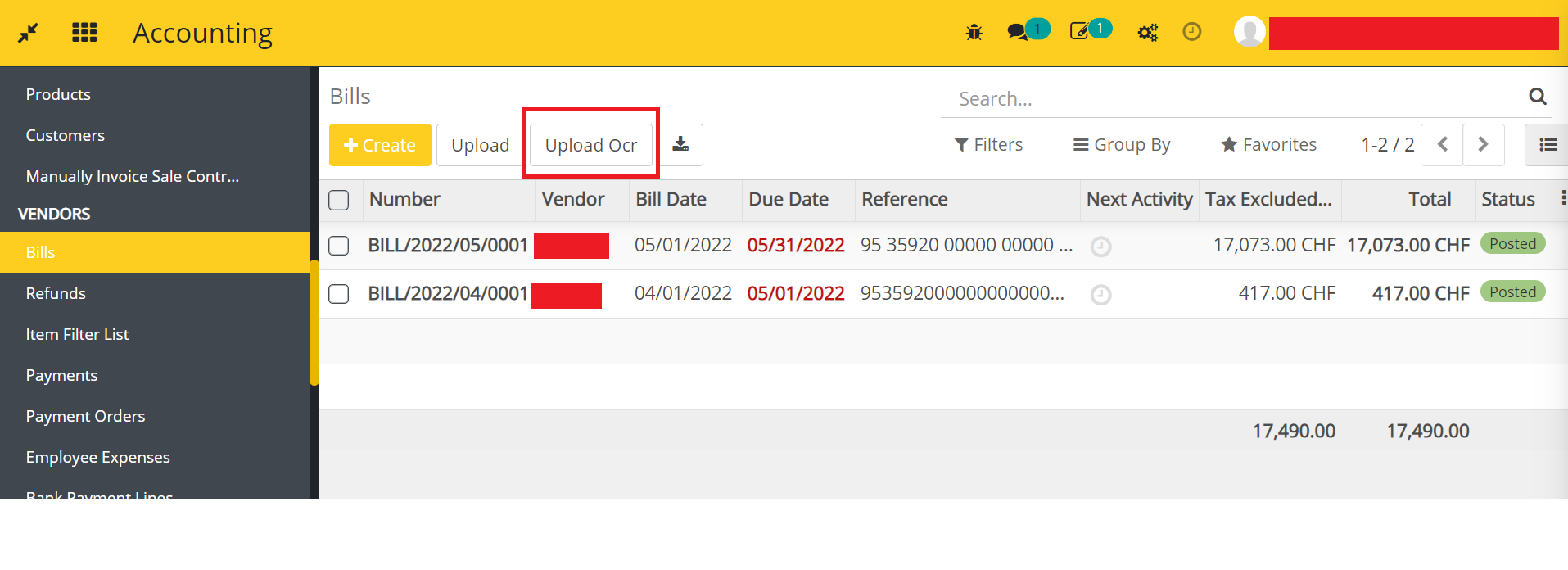
- Click on the button and upload an attachment.
- If your company does not have a valid Stripe subscription then it will throw the below error:

- New bills will be created in a draft mode based on file(s) information.
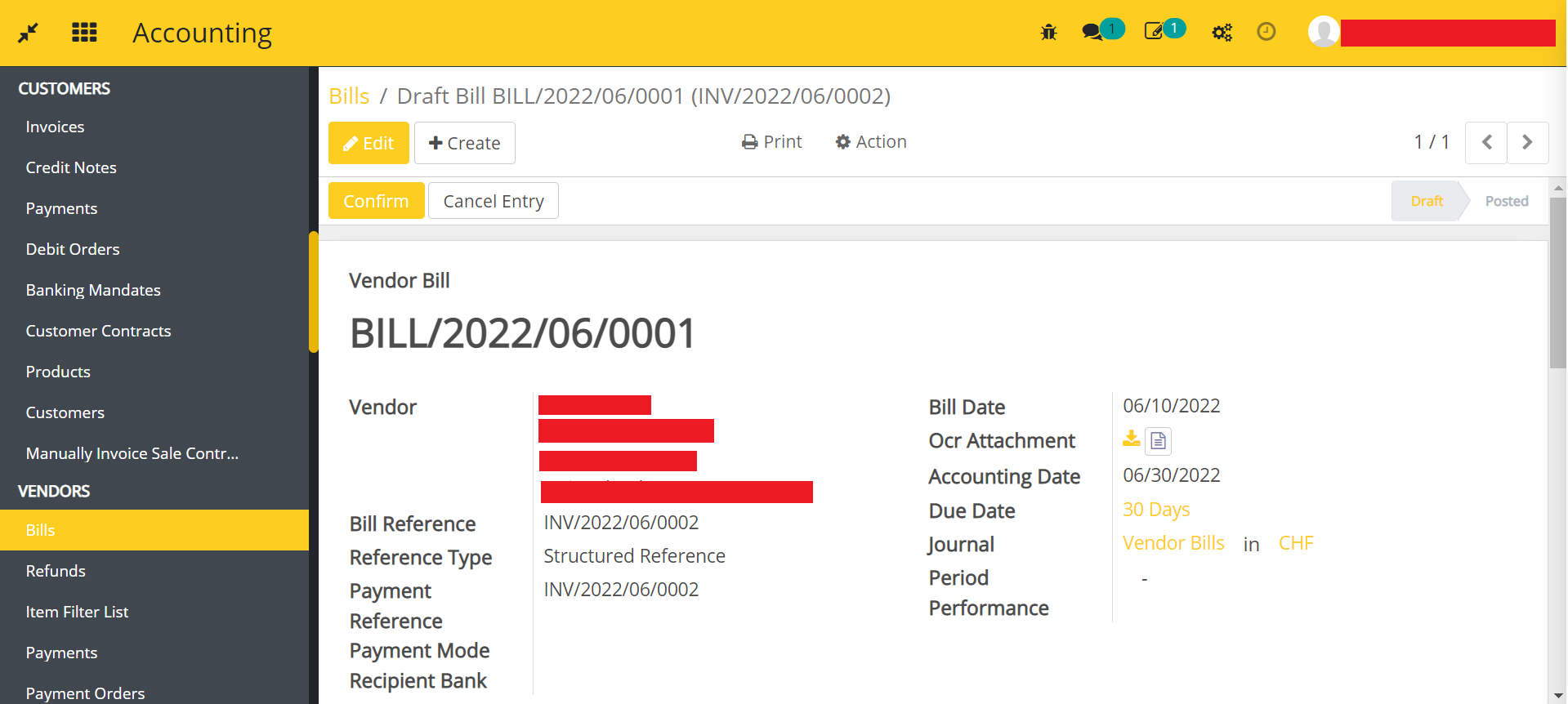
With the Upload button, you can still upload the attachment without the information.
Dependent modules
- account
- l10n_ch_base_bank
- queue_job
- product
- purchase
- stripe_invoice_sync
Change Logs
- [26-05-2023] Change Removed Boolean mail_in_process -> add new state mail in process
- [31-01-2023] Added Billing logic per OCR bill upload
- Added Accounting Invoice OCR Module