Microsoft Azure AD Oauth
Microsoft Azure AD Oauth is a Flectra extended module which is used for Authenticating users with Microsoft Azure AD and also to synchronize Azure AD groups into Flectra.
Table of contents
Installation
To install this, follow below steps:
- Just simply mount this module as Flectra's custom module
- Now, Install the module in Flectra from Main Apps section.
Usage
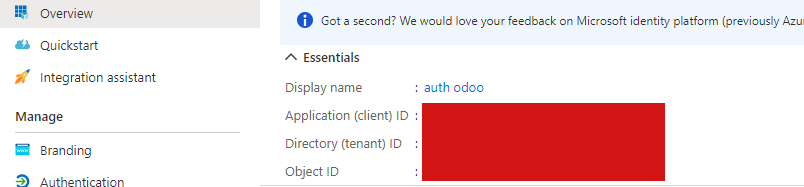
Follow the below steps before using this module and register an Azure AD app:
Open Flectra -> go to Settings -> activate the Debug Mode
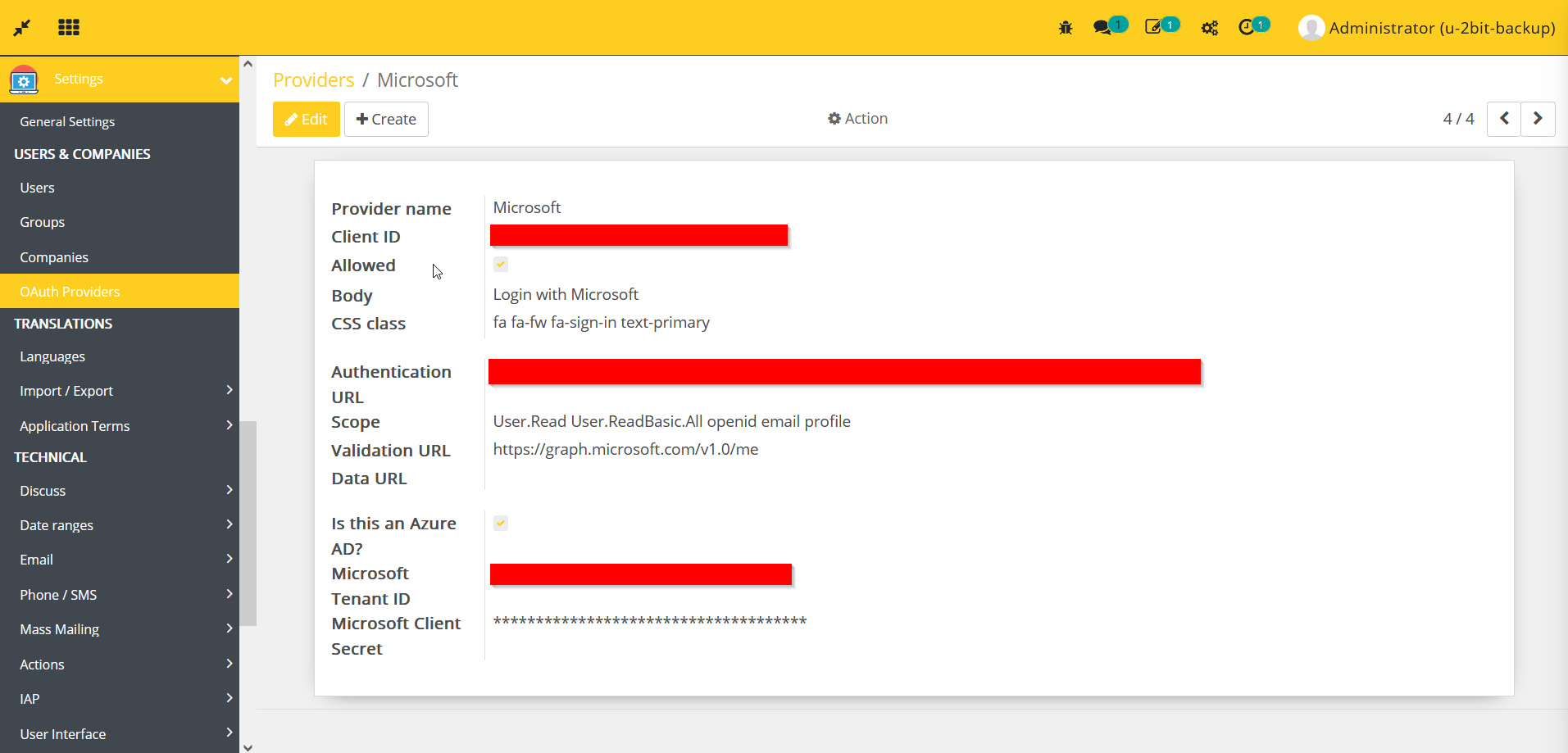
Go to Settings -> OAuth Providers -> create new Provider -> enter the details as per your Azure AD:
- Provider name<Microsoft>
- Client ID<Your_Client_ID>
- Allowed<Checked>
- Body<Login with Microsoft>
- CSS class<fa fa-fw fa-sign-in text-primary>
- Authentication URL<Your_Authentication_Endpoint_URL>
- Scope<User.Read User.ReadBasic.All openid email profile>
- Validation URL<https://graph.microsoft.com/v1.0/me>
- Data URL<Can_be_blank>
- Is this an Azure AD?<Checked>
- Microsoft Tenant ID<Your_Microsoft_Tenant_ID>
- Microsoft Client Secret<Your_Microsoft_Client_Secret>
How to use this module:
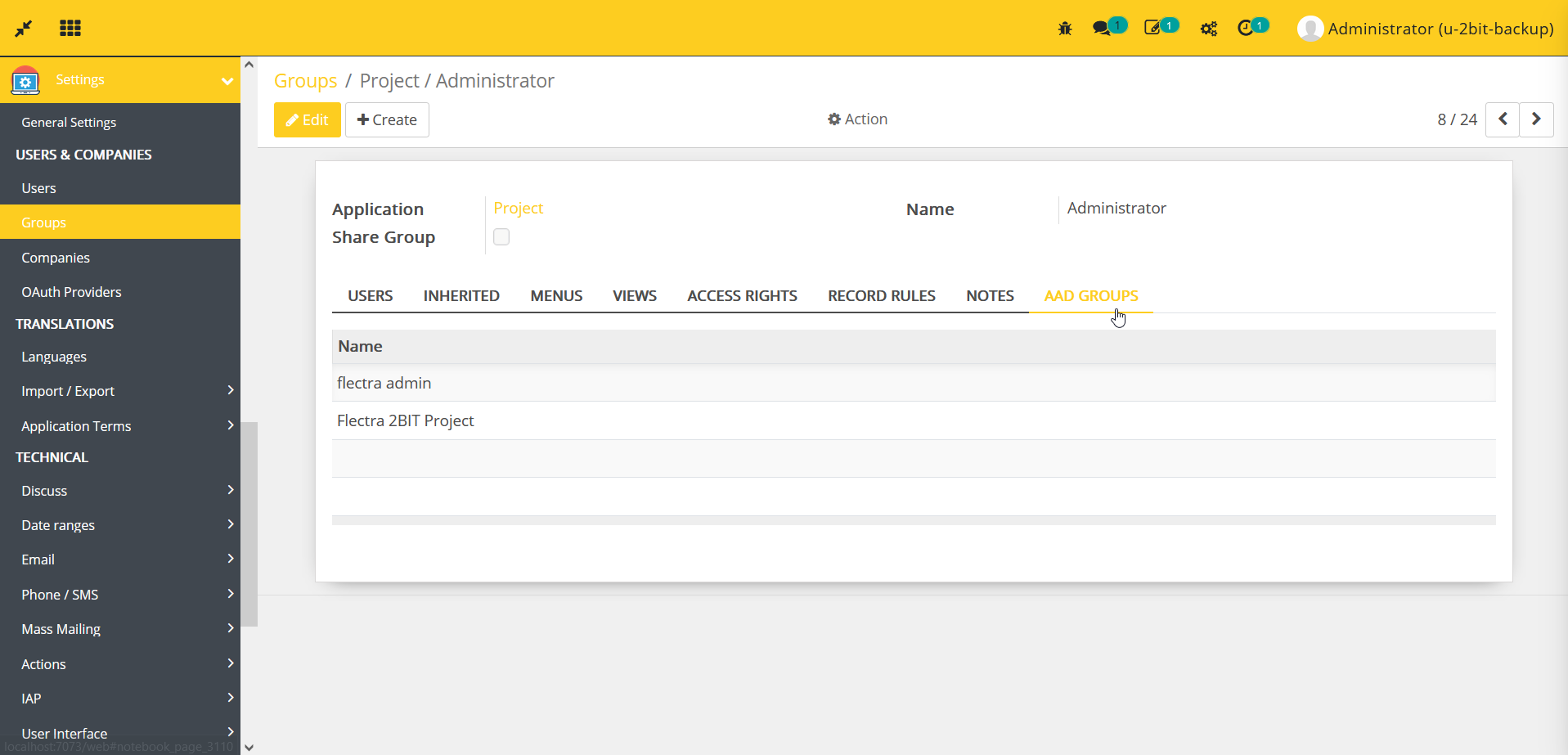
- Go to Settings -> Groups -> open any group -> go to AAD Groups -> select or create group(s) to sync all Azure AD users present in selected group(s).
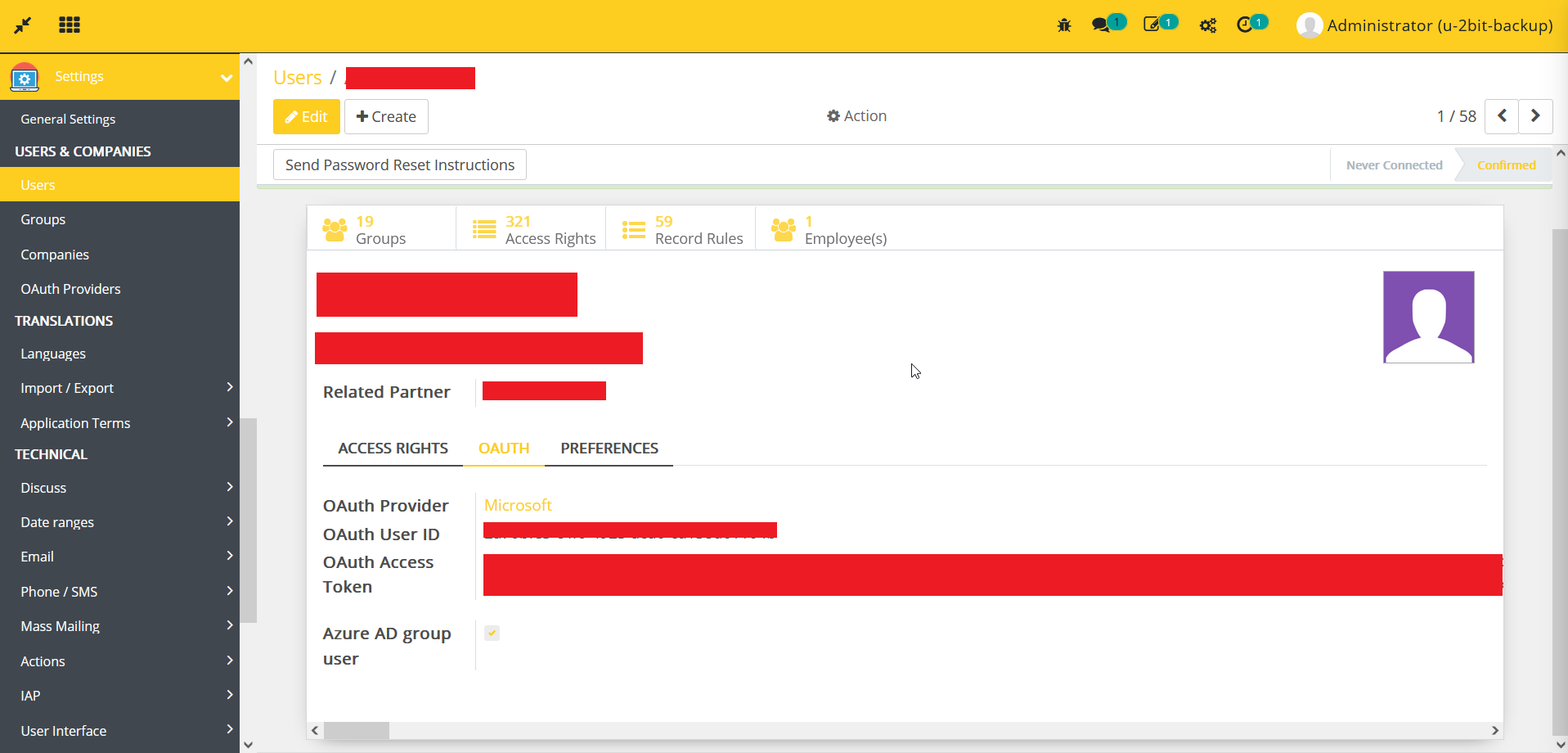
- Once users synced successfully, we can check the details of any user.
- Go to Settings -> Automation -> Scheduled Actions -> enable the AAD Groups: Sync AAD group users cron job to active the Azure AD synchronization.
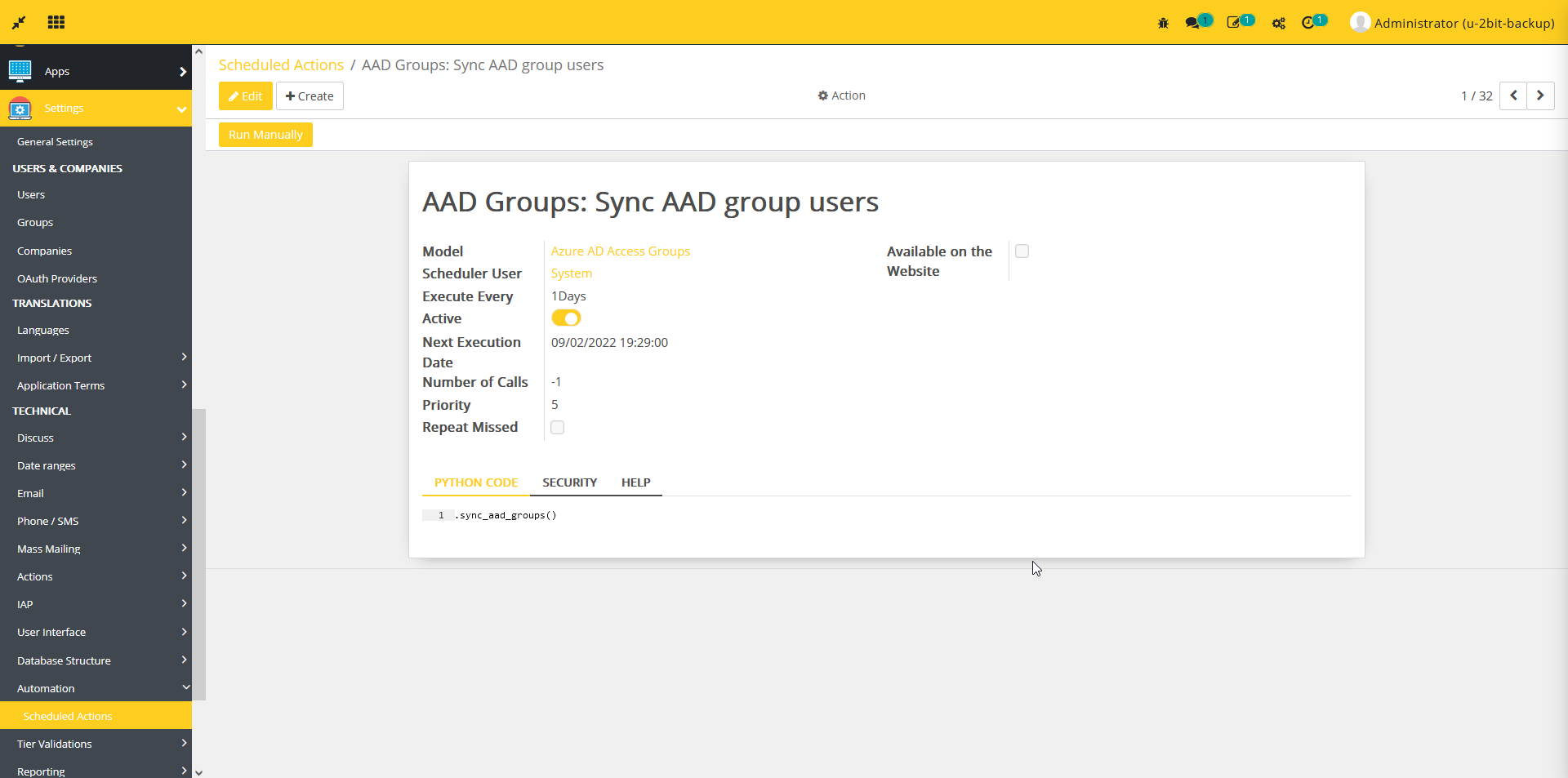
- AAD Groups: Sync AAD group users scheduled job will run every hour to sync Azure AD groups and users within Flectra.
Dependent modules
- auth_oauth
- portal
Change logs
- ADDED Azure AD Integration Module
Azure AD Registration
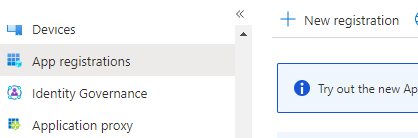
- Register a new app in Azure AD
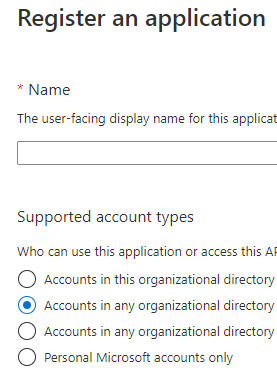
- Choose "Accounts" in any organizational directory (Any Azure AD directory - Multitenant)
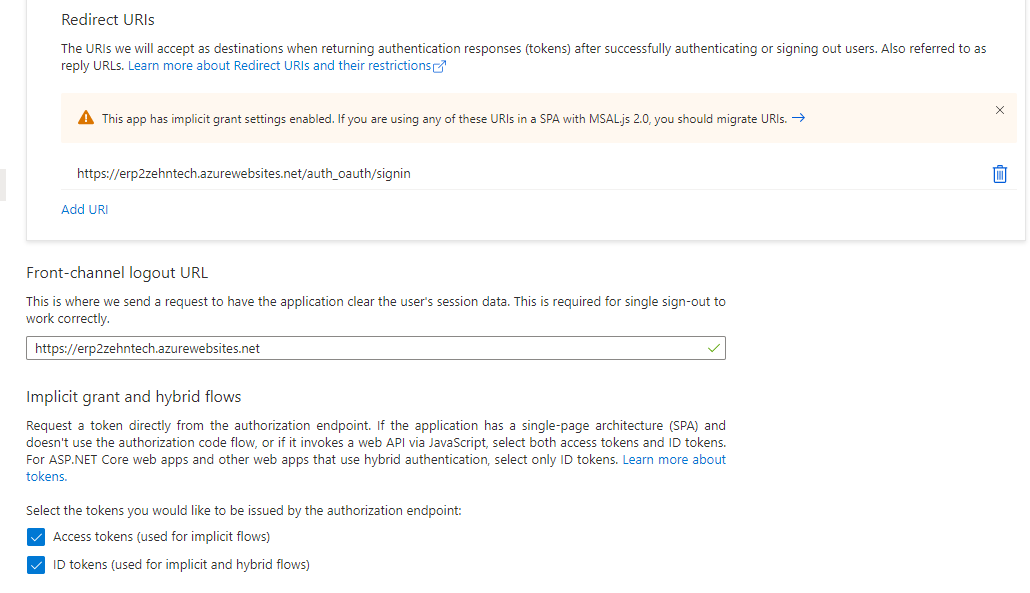
- Add the appropriate link and enable Implicit grant and hybrid flows
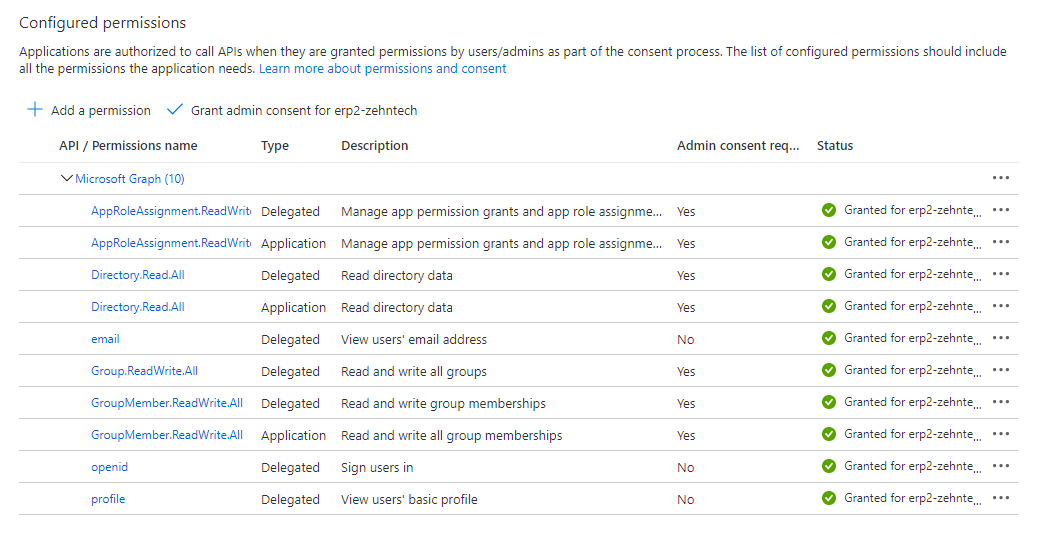
- Add these permissions
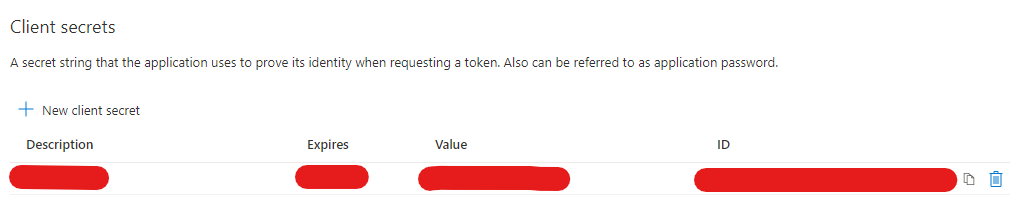
- Create client secret and copy the value
- Copy (Client) ID to use it in setting up the application