Workplace: Communication Center Mail Admin
Avoid Typos by editing and deleting messages in Flectra Chatter!
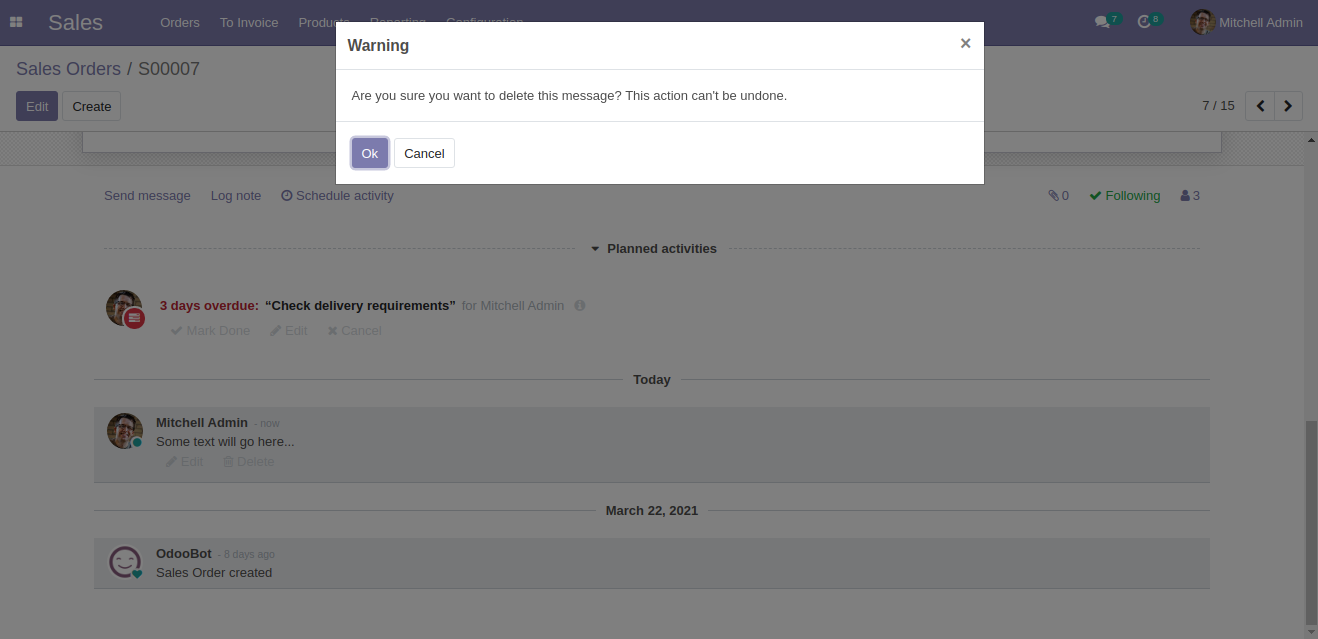
Workplace: Communication Center Mail Admin allows you to make the edits in the messages as well as internal notes of a record. Moreover, you can also delete the messages as well as internal logs and keep the record of it.
All changes in message/log note will be reflected without page refresh.
Flectra has offered a great functionality of chatter below any form. It allows you to log any internal note or a message to all followers. Flectra Chatter helps you to keep the followers updated regarding the information you want to convey.
However, being human there are many chances to make typos. By default in Flectra, once messages are sent or internal logs are posted then they cannot be deleted or edited.
Edit even after Sending the Message or Log
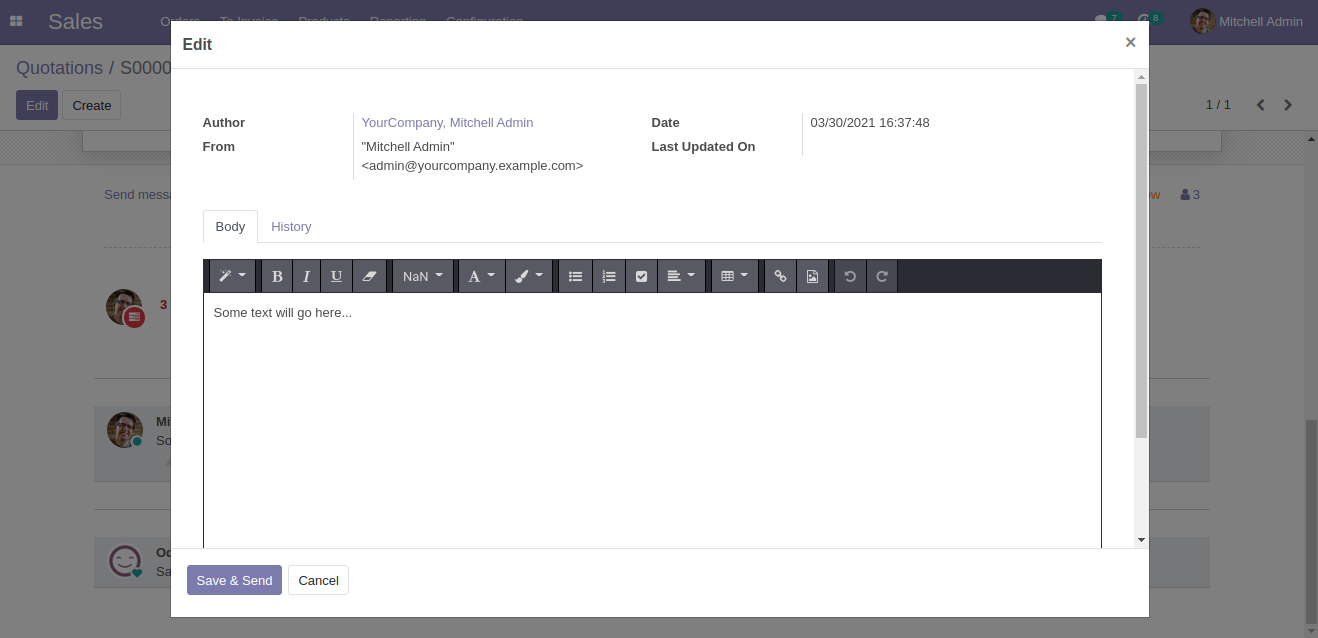
Now, once sent you can edit the message/log in the Flectra chatter. Yes, Workplace: Communication Center Mail Admin has made it possible to edit the already sent messages or internal logs. Don't worry! You can keep track of all the edits in the Flectra backend.

Expand the view of the Chatter Communication
You can view the whole conversation of the chatter thread; simply by clicking on the expand icon. It helps you to track the chat easily.
Highlight
- Edit the messages/internal log in the chatter
- Check the date and time of the updates made
- Track the records of edits made
Detailed Features List
Below is the detailed list of Feature for Flectra chatter message edit and delete
- Edit the messages/internal log in the chatter
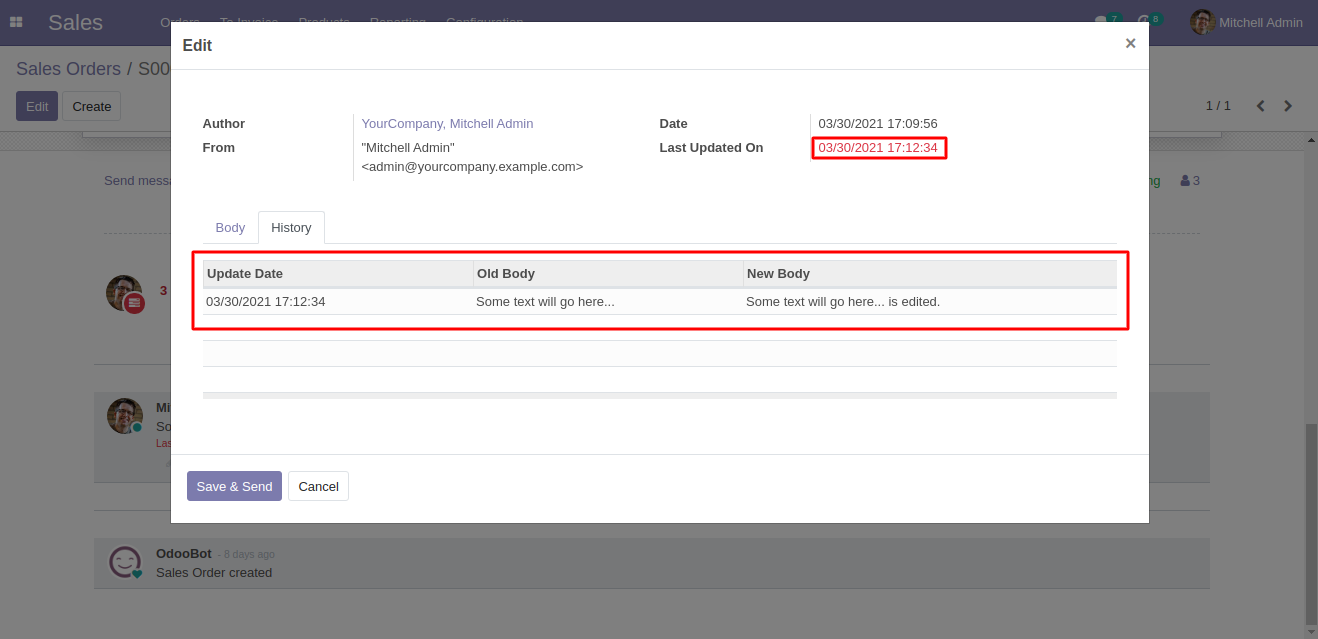
- Track the Edit History of the chatter in Flectra Backend
- Followers of the record will receive a mail for each edit
- Track the Messages of the chatter in the expanded view
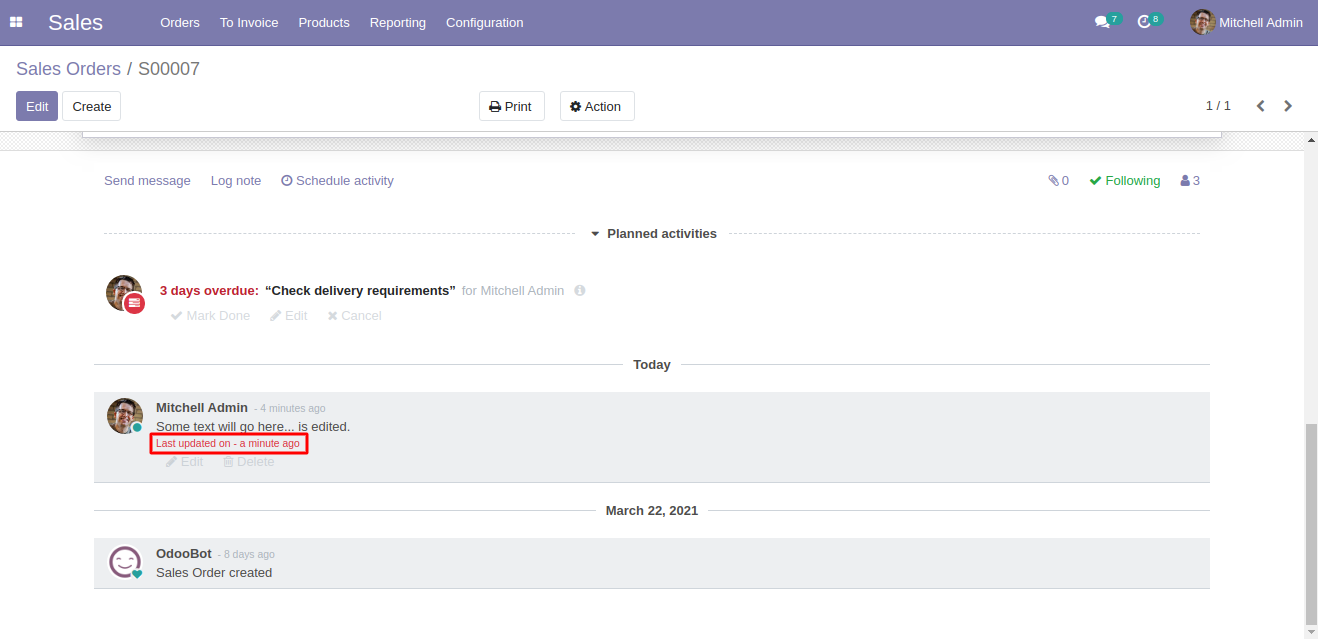
- Once a user will edit a message/log note then it will be visible in chatter with edit date time
Usage
- Configure the edit, delete and History tracking Option
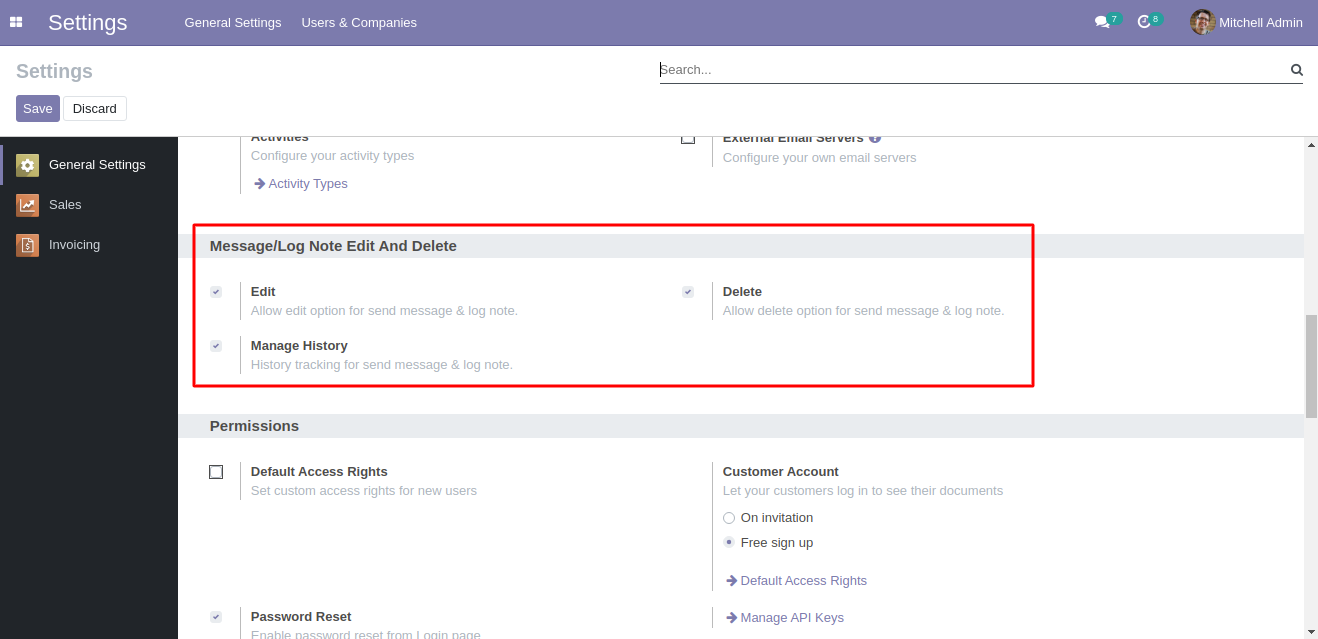
- Edit and Delete option for message as well as internal note
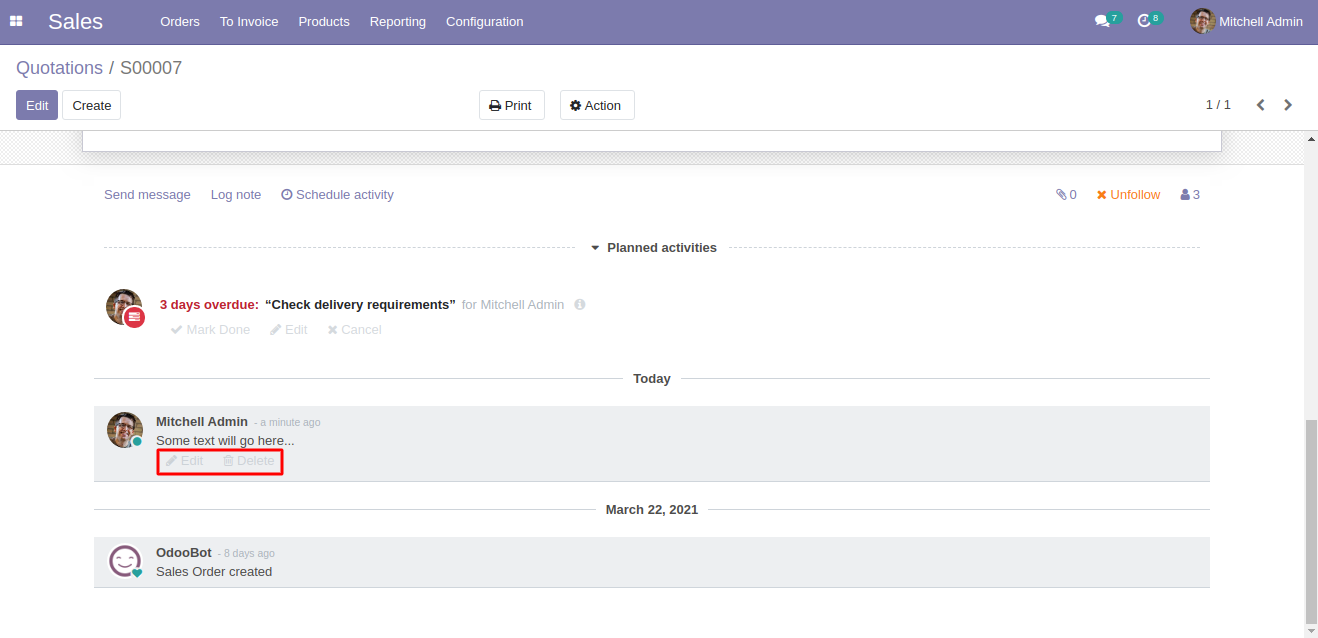
- Editing the new message and internal note
- Deleting the message and internal Note
- Edited message in the form
- Track Message Edit History from Flectra backend
Dependent modules
Change logs
- ADDED Workplace: Communication Center Mail Admin