Fleet Vehicle Book
Fleet Vehicle Book is a Flectra extended module which is used to manage fleet vehicle.
Table of contents
Installation
To install this, follow below steps:
- Just simply mount this module as Flectra's custom module
- Now, Install the module in Flectra from Main Apps section.
Usage
How to use this module:
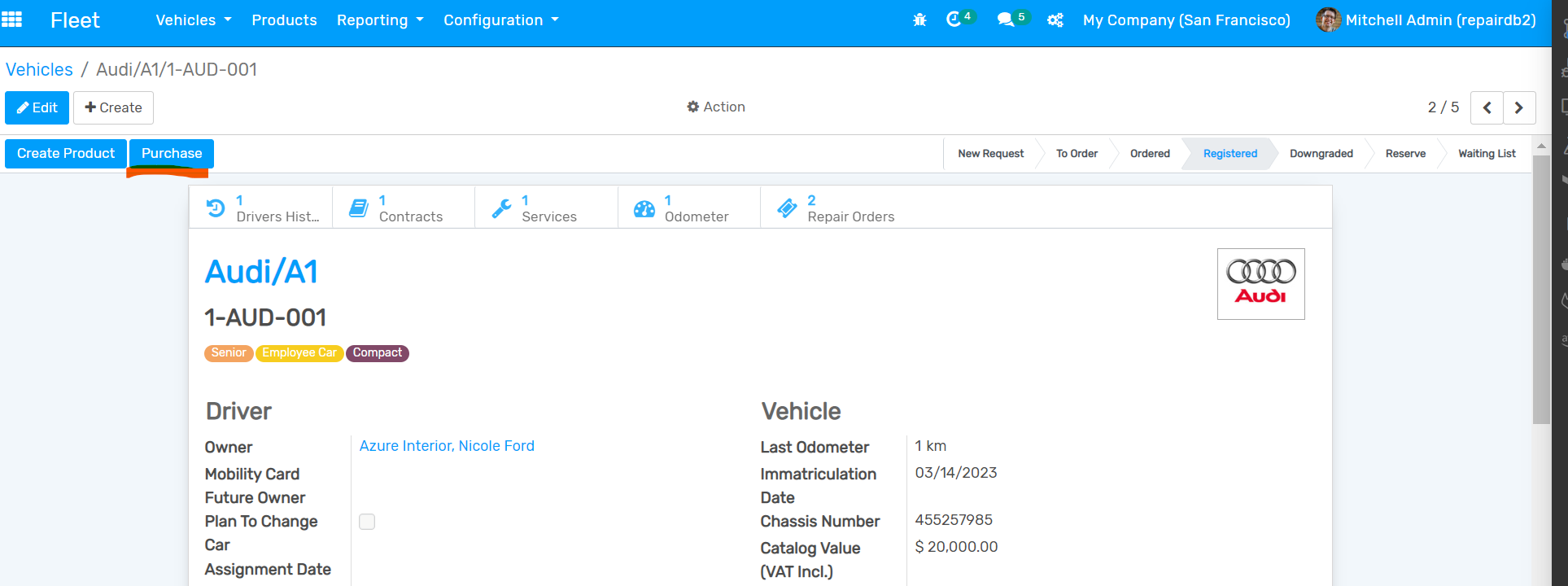
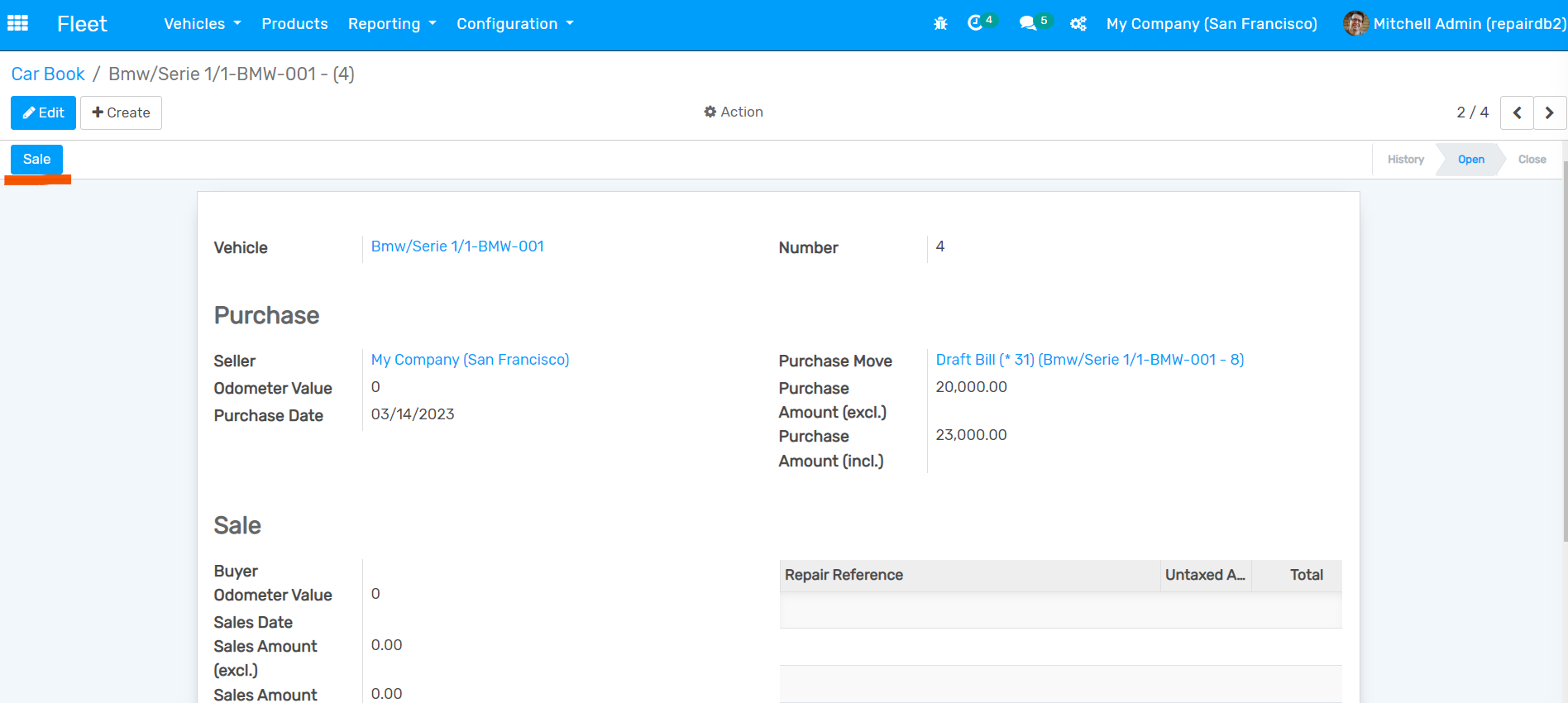
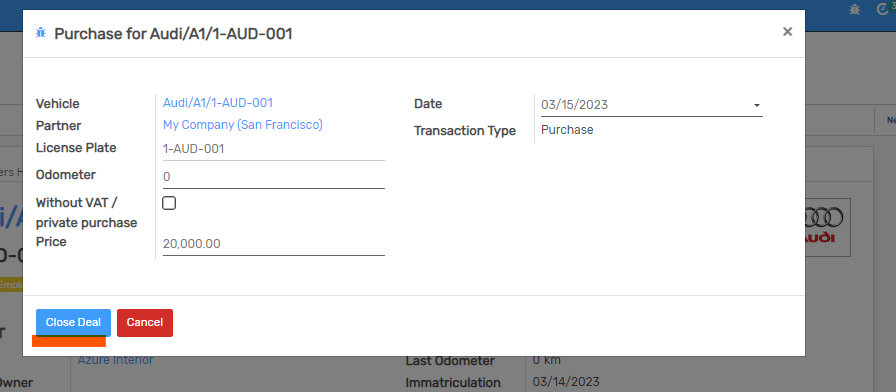
- Go to Fleet -> Open car book and click on sale button for open wizard to sale. Similarly, open vehicle and click on purchase button to open purchase wizard. click on close deal button in both wizard to create invoice. But before create invoice please set vehicle sale and purchase tax from setting inside accounting section.
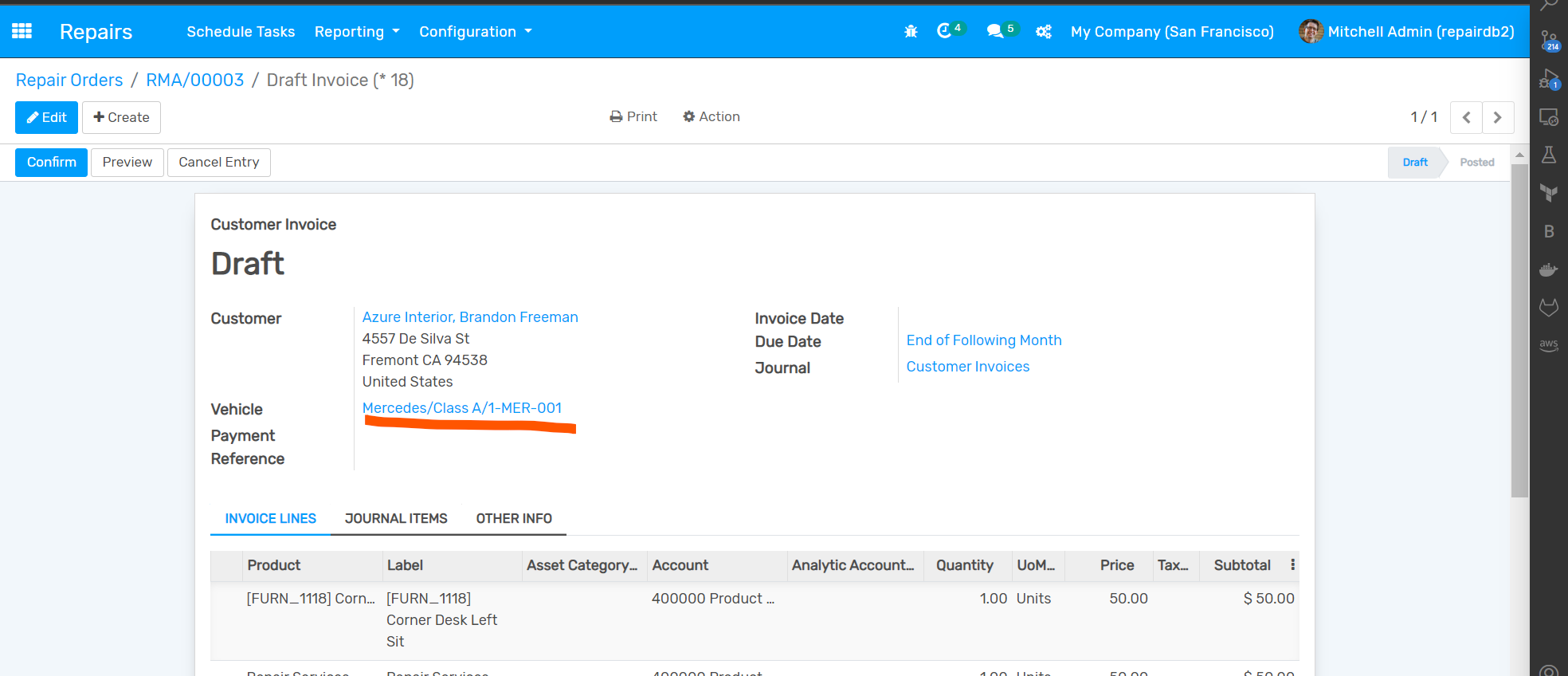
- On perform action for create invoice from vehicle deal wizard, vehicle will be included. On selection of customer, only vehicle of that customer will be listed and on selection of vehicle, respected customer automattically set.
Dependent modules
- repair_fleet
- fleet_product_link
- account_accountant
Change logs
- [16-06-2023] Added Search by Chassis Number for Vehicles and Partner.
- [15-06-2023] Added Search by Chassis Number, Vehicle, Buyer, Seller, and Driver for Car Book.
- [15-03-2023] Added logic for include vehicle in invoice on creation from vehicle_deal_wizard.
- Added Fleet Vehicle Book