Employee Recruitment Partner
Employee Recruiting Partner is a Flectra extended module which is used to define recruiting partners in employee when it's type is Personalverleih.
Table of contents
Installation
To install this, follow below steps:
- Just simply mount this module as Flectra's custom module
- Now, Install the module in Flectra from Main Apps section.
Usage
How to use this module:
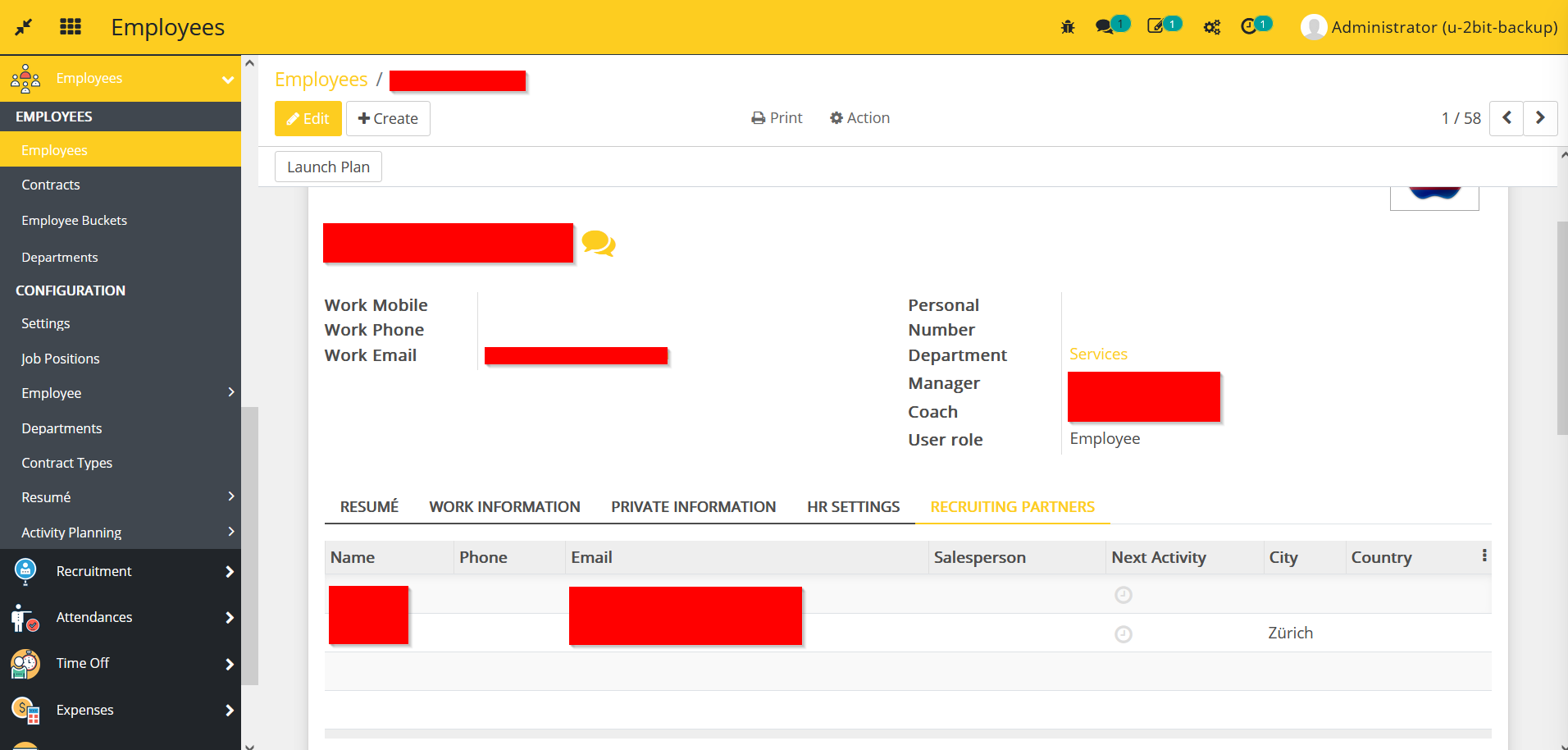
- Go to Employees -> go to Employees -> select an employee whose employee type is "Personalverleih" in contract.
- Go to Recruiting Partners -> select or create partners.
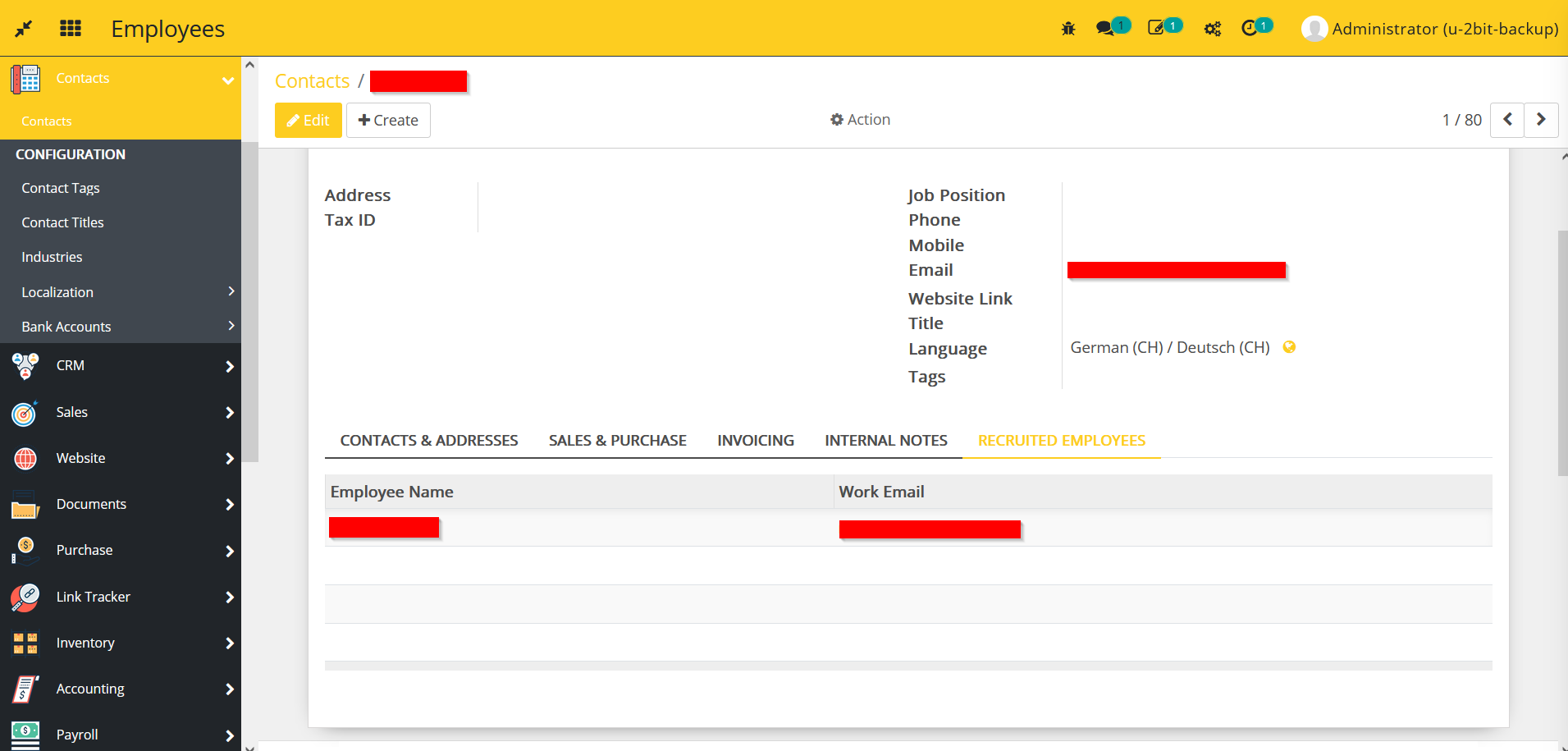
- Go to Contacts -> go to Contacts -> select any contact.
- Go to Recruited Employees -> list of employees will be available for whom the contact is a recruiting partner.
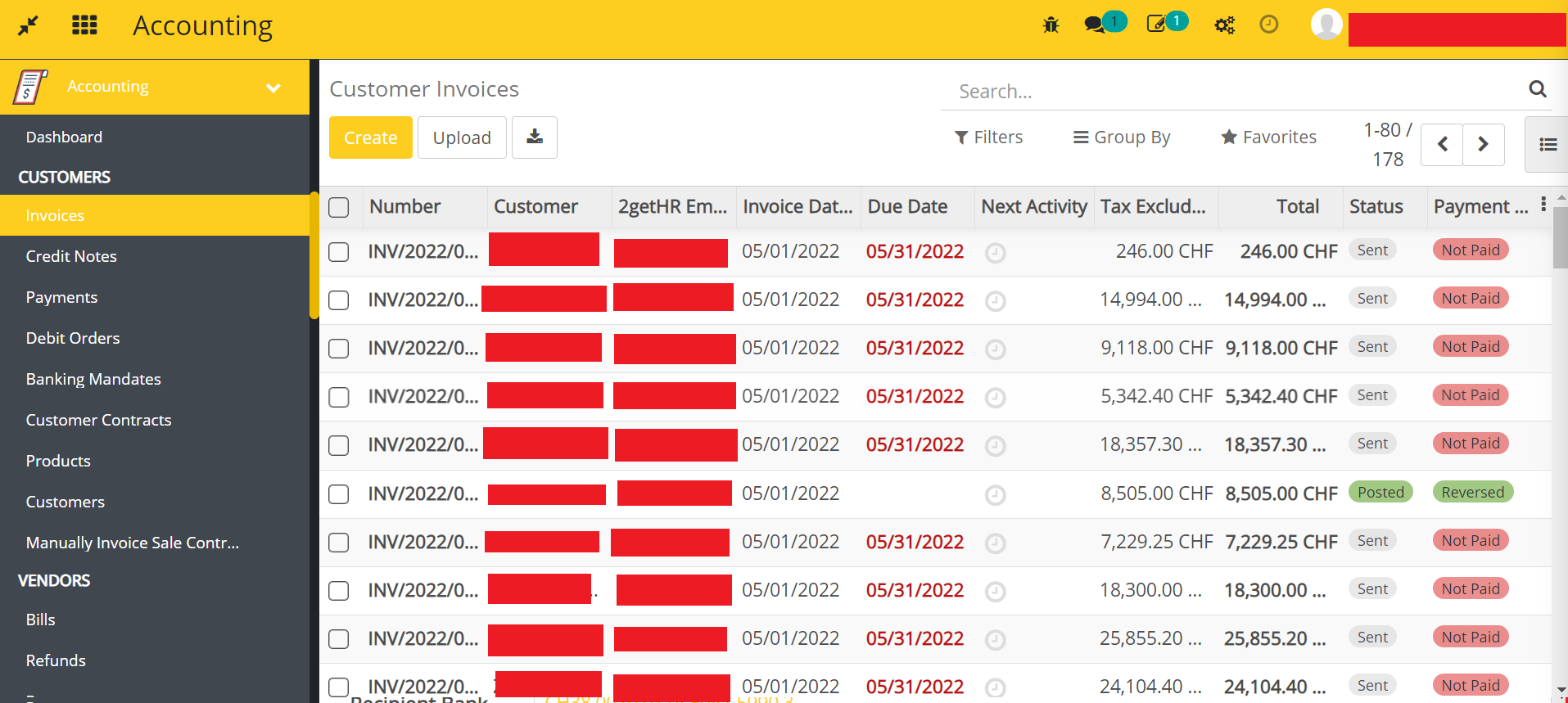
- Go to Accounting -> go to Invoices -> select an invoice which has 2getHR Employee Reference.
- If the 2getHR Employee Reference has any Recruiting Partner then only the button Send To Recruiting Partner is visible.
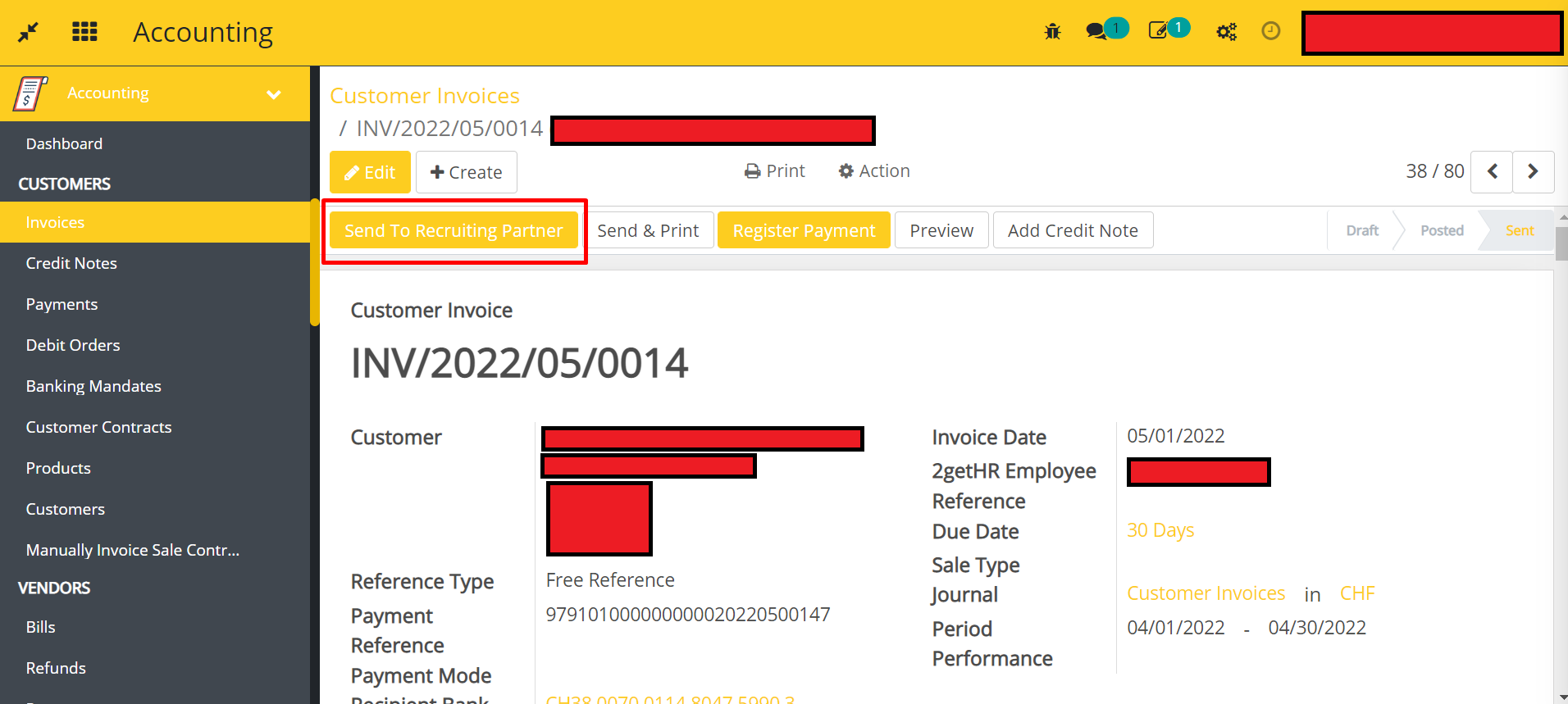
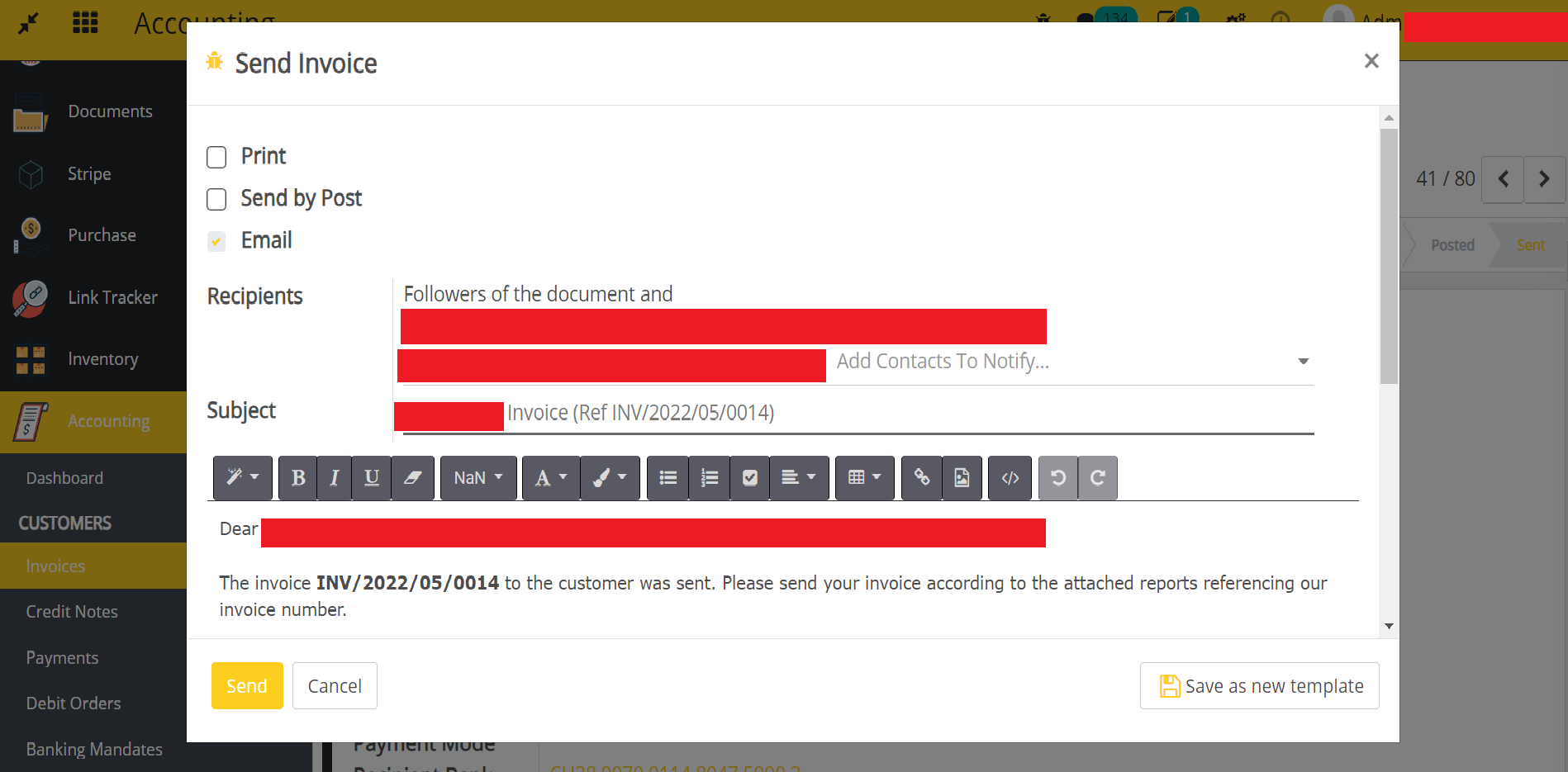
- Once you click on the button, an email dialog will be appear with recruiting partner email template and having all the recruiting partners in the recipients.
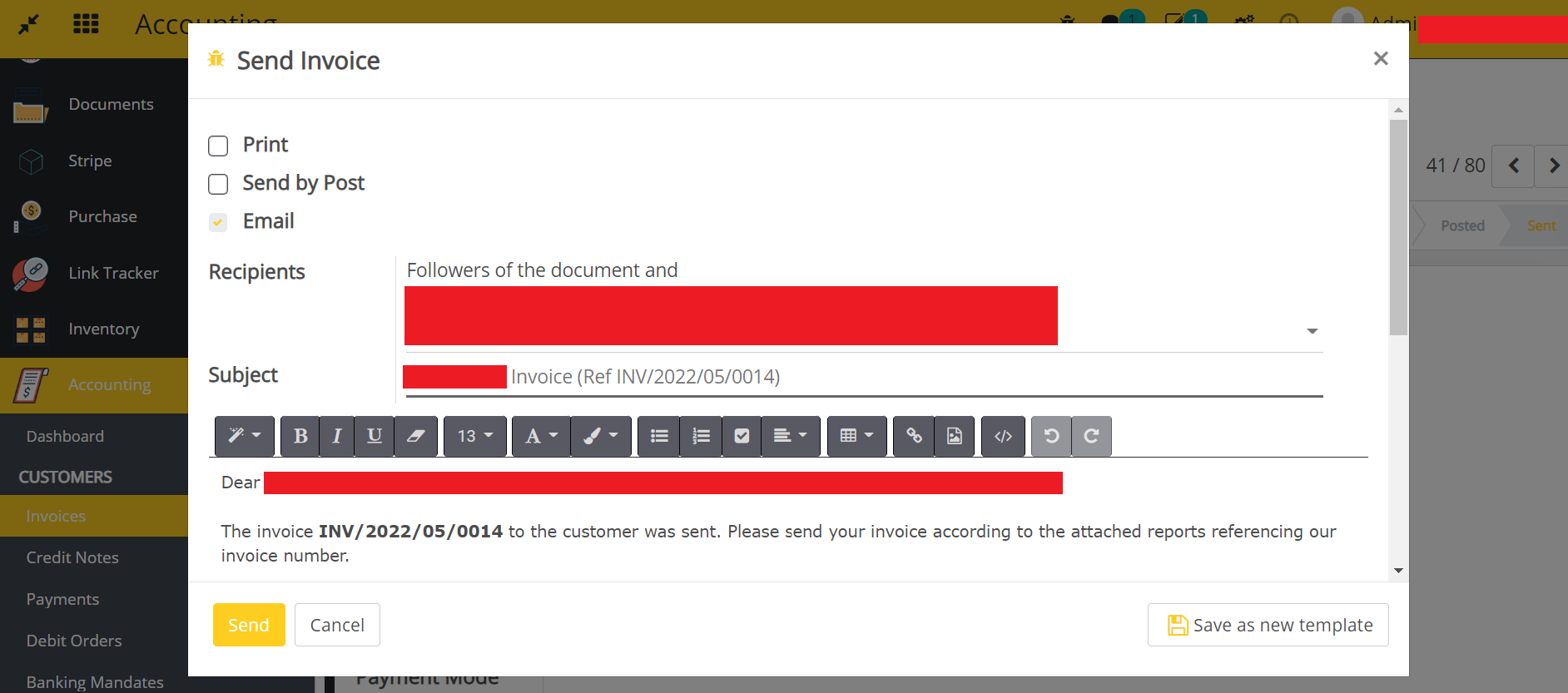
- When user clicks Send & Print button
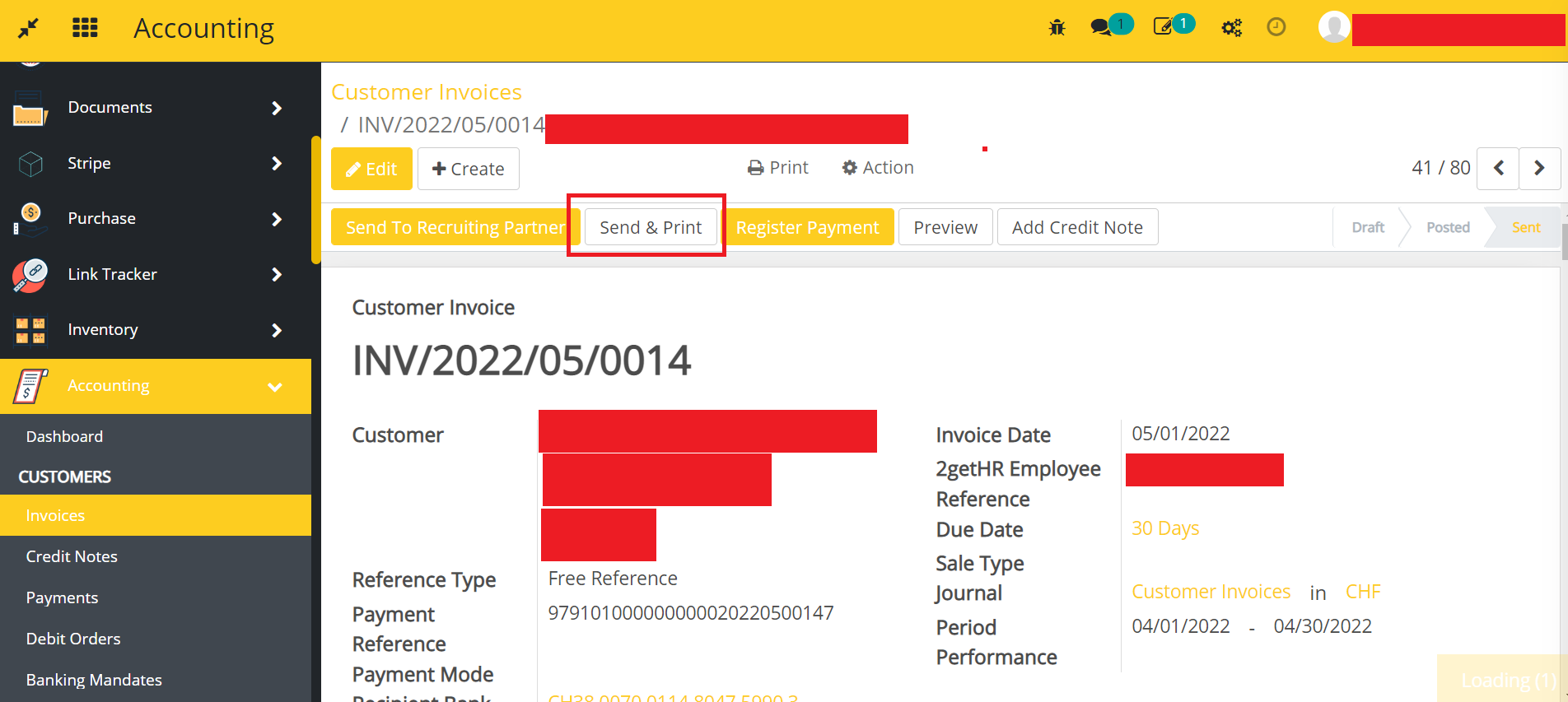
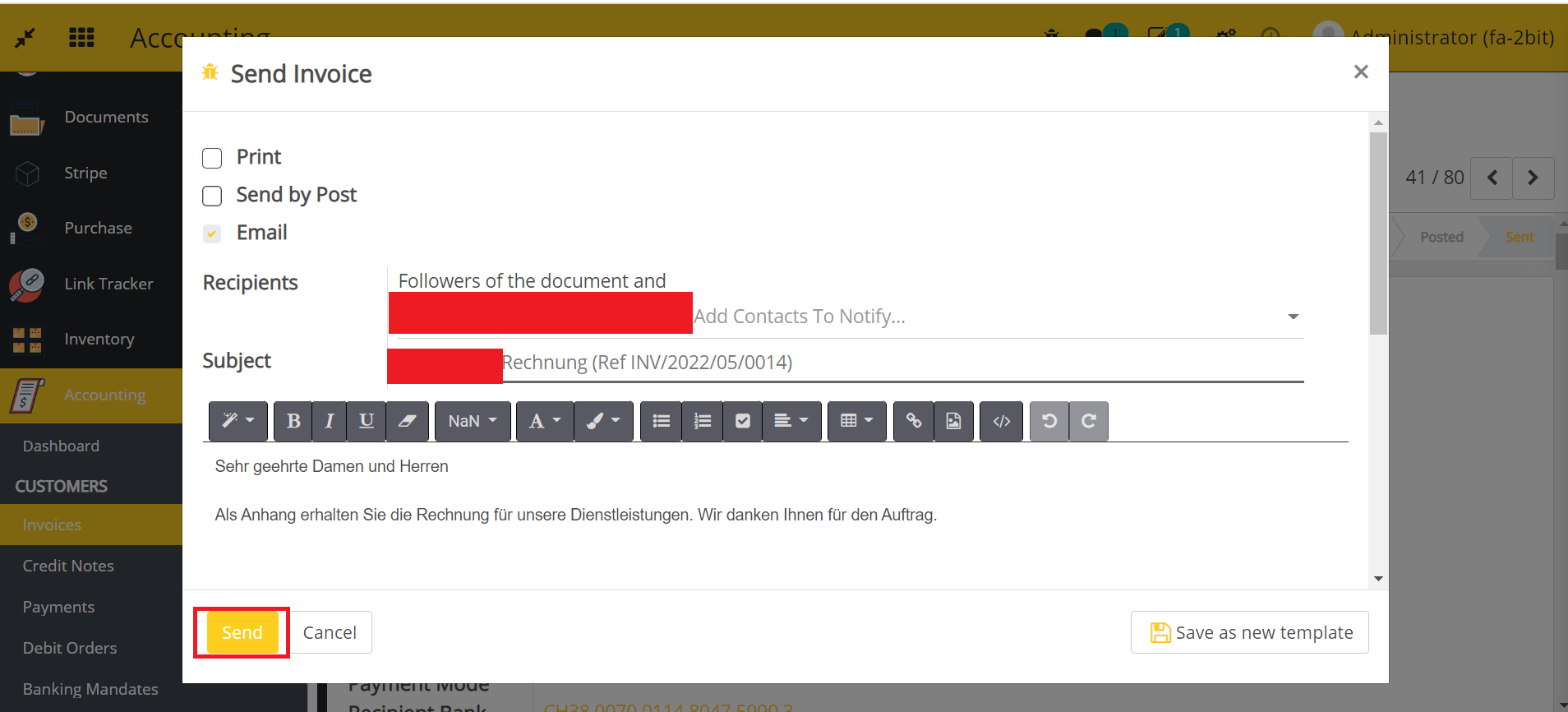
- Initially the regular mail dialog will appear and after click on Send button.
- An another mail dialog will appear with recruiting partner template if and only if the invoice has 2getHR Employee Reference.
Dependent modules
- 2gethr_integration
- account_restrict_email_to_external_users
Change logs
- [29-09-2022] Added Restrict sending a separate email for partners having any missing information.
- [22-09-2022] Fixed Resending the email of an already sent invoice with an existing recruiting partner is not working.
- Added Employee Recruitment Partner Module.