Document Preview
Document Preview is a Flectra extended module which allows users to preview a document without downloading it that leads to saving time and storage of users.
Table of contents
Installation
To install this, follow below steps:
- Just simply mount this module as Flectra's custom module
- Now, Install the module in Flectra from Main Apps section.
Usage
How to use this module:
- Go to any module having binary field to contain attachment -> select any record -> beside the binary file, the preview icon will be visible like below image.

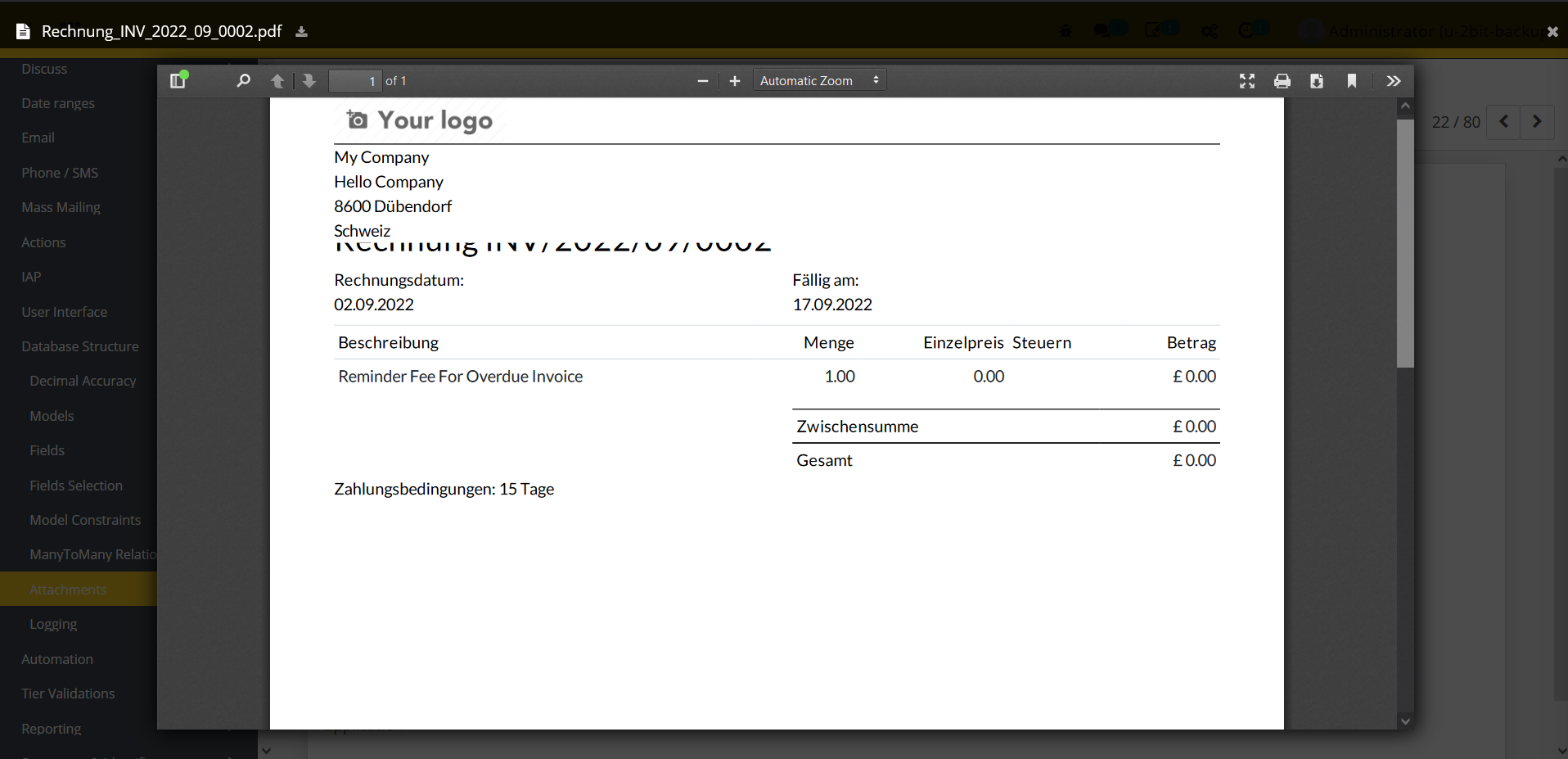
- Once the user clicks on this preview icon, a popup will be available with the file content.
Dependent modules
- base
- web
Change logs
- ADDED Document Preview Module