Product Promotion
Product Promotion is a Flectra extended module which is used to add Promotions in Sales.
Table of contents
Installation
To install this, follow below steps:
- Just simply mount this module as Flectra's custom module
- Now, Install the module in Flectra from Main Apps section.
Usage
How to use this module:
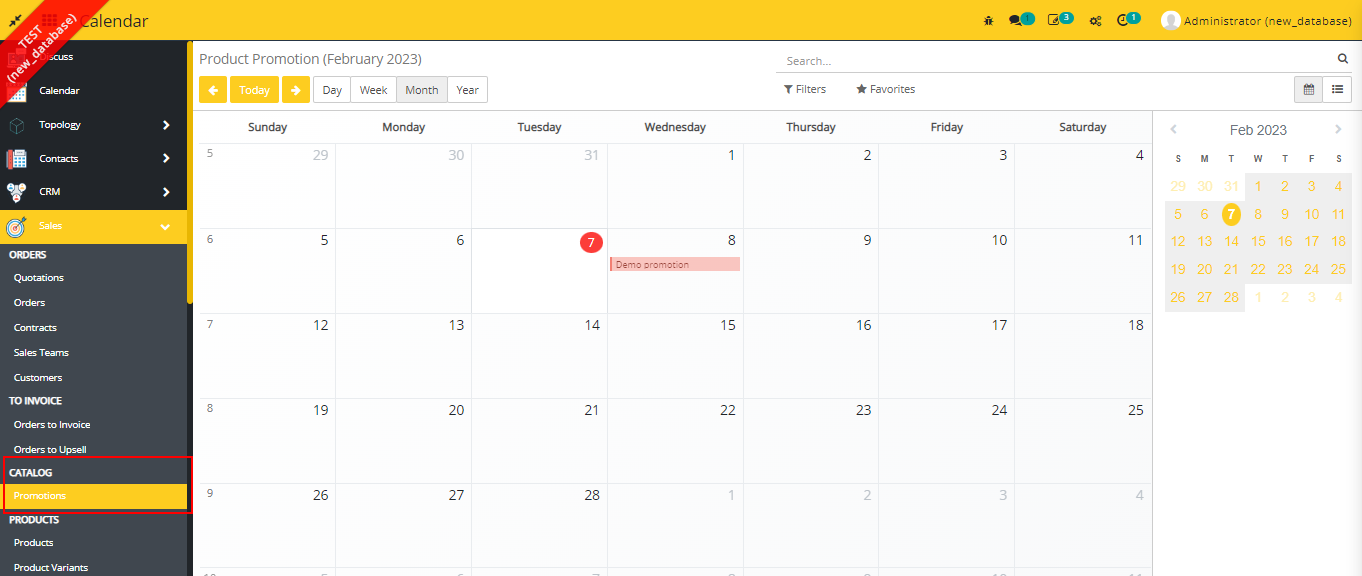
- Go to Sales -> go to Product -> go to Promotions
- Here you can see the Calendar View of the Promotions
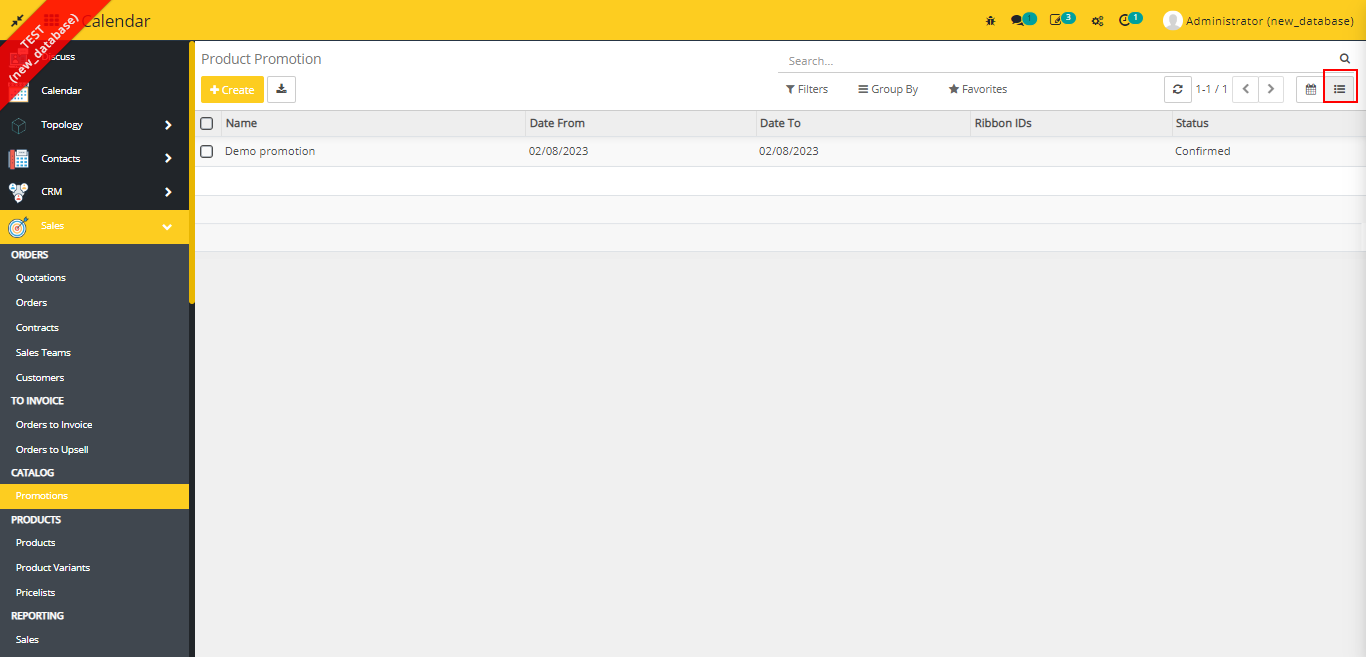
- You can see the List View of the Promotions by clicking the view list icon.
- You can create the promotion from both the views
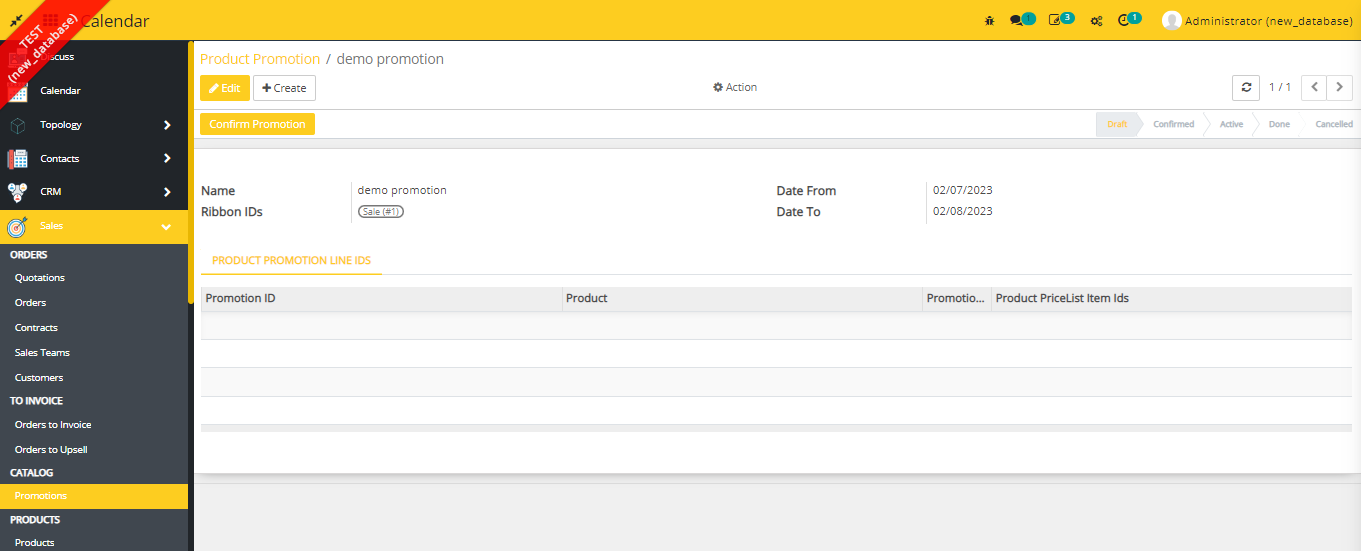
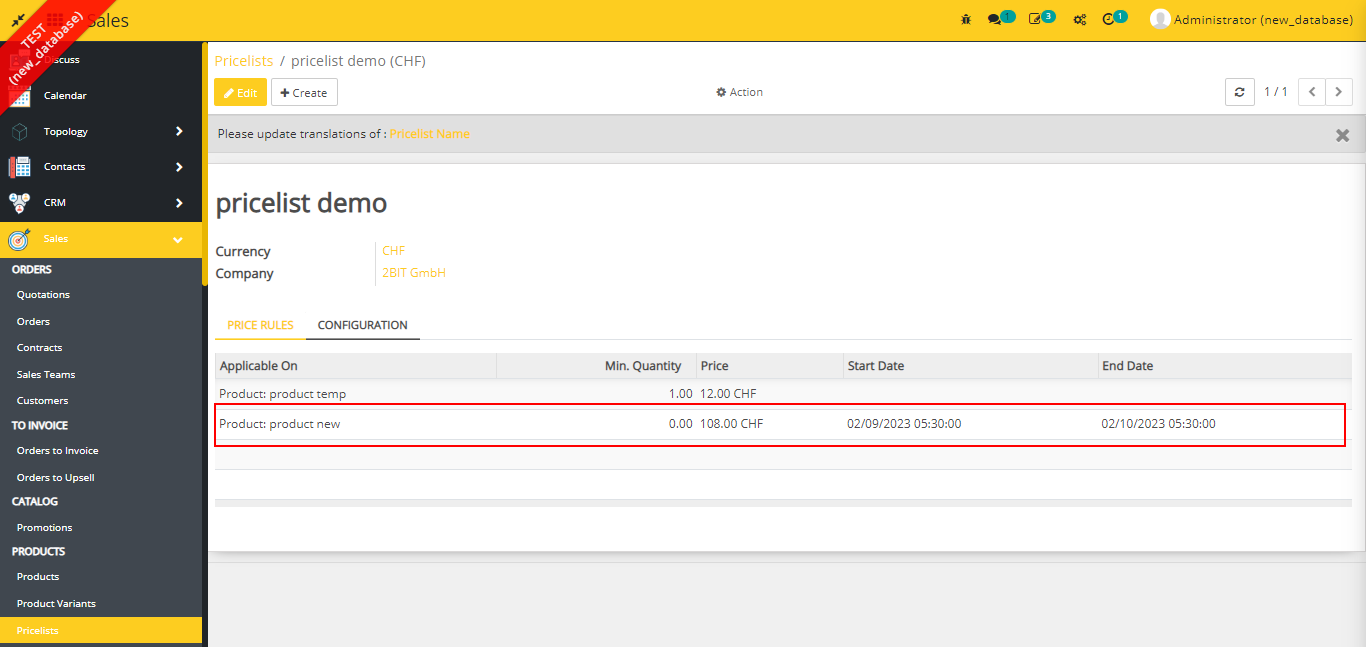
- When we create or select promotion lines in the promotion and confirm it, then it will add a pricelist item of the product which is selected in promotion lines, in those pricelists which contain alteast one such item which has same category or same parent category as the category of the product.
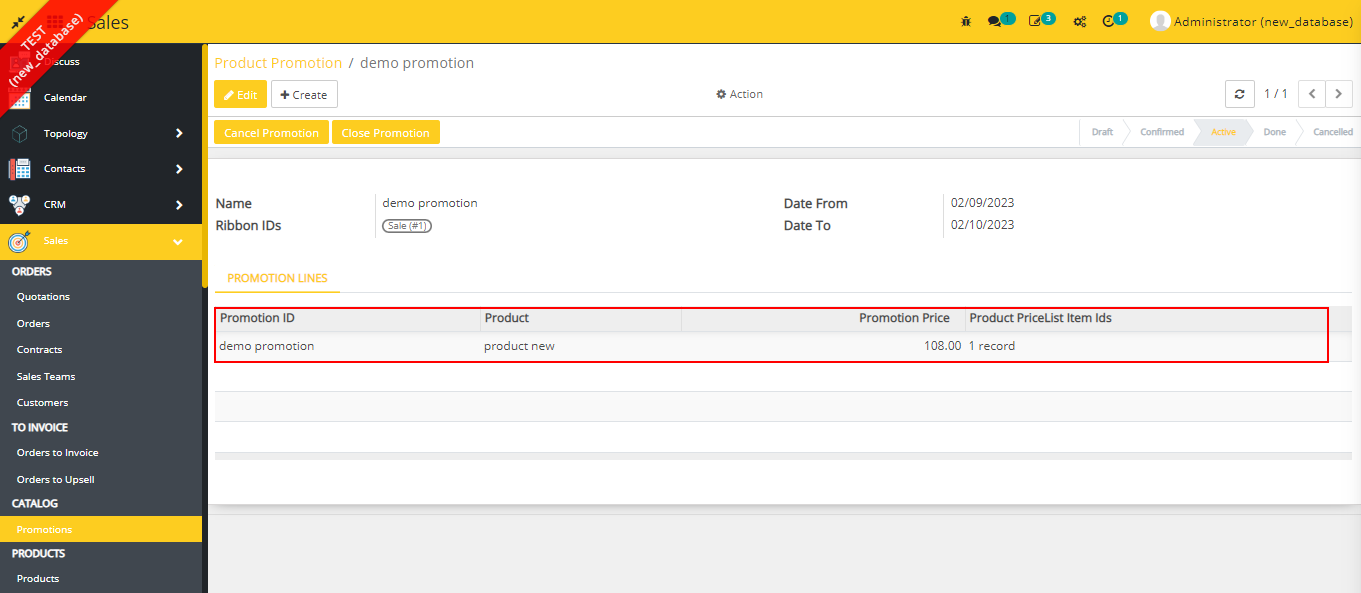
- you can see the pricelist item in the pricelist.
- A cron job is working in this module which is updating the promotions every day at 1:00 AM.
Dependent modules
- sale
- website_sale
- product
Change logs
- Update Add update from 1.0
- Added Product Promotion Module