Exclude Locations from Stock Quantity
Exclude Locations from Stock Quantity is a custom Flectra module which is used to exclude locations from stock quantity of products.
Table of contents
Installation
To install this, follow below steps:
- Just simply mount this module as Flectra's custom module
- Now, Install the module in Flectra from Main Apps section.
Usage
How to use this module:
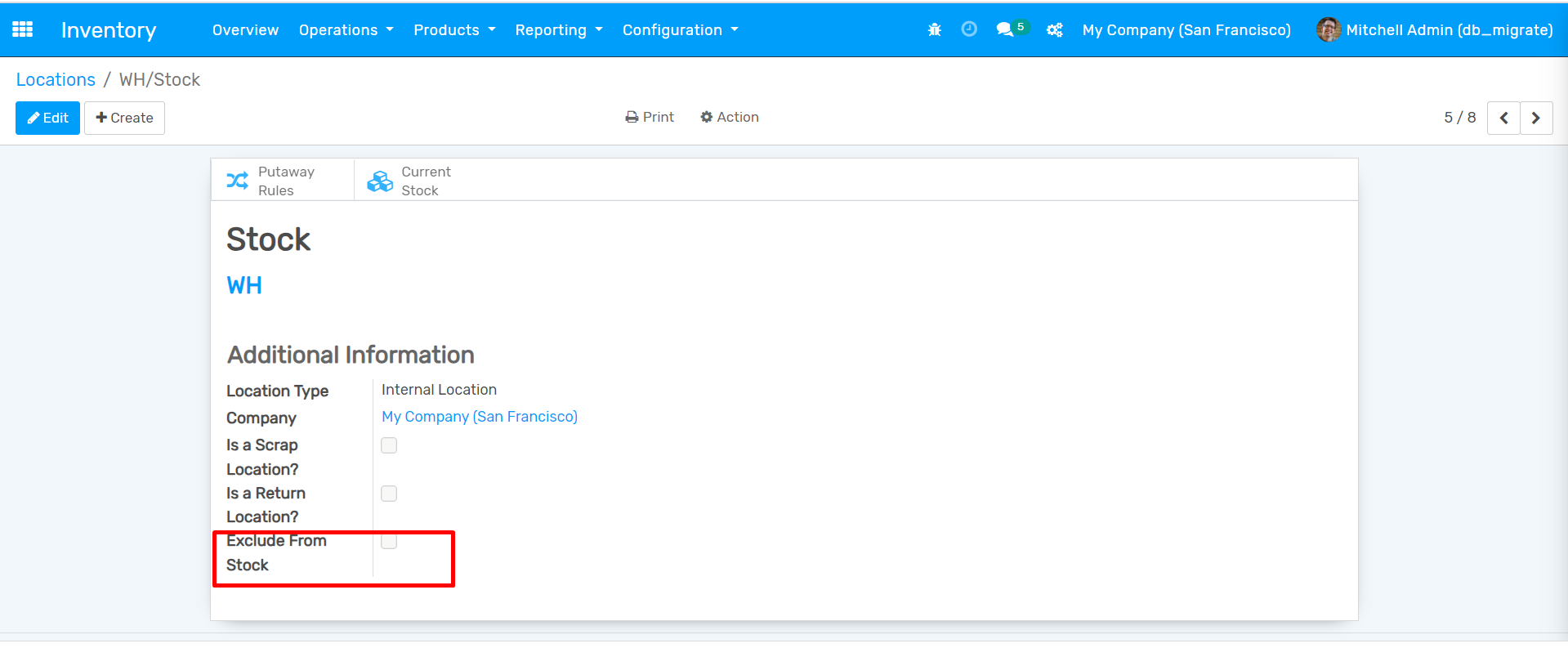
- Go to Configuration -> Locations -> Open a record.
- Here you can see an option Exclude from stock. If this option is checked, this location will be Excluded from Stock Quantity.
Dependent modules
- stock
Change logs
- Added Exclude Locations from Stock Quantity