Stripe Invoice Sync
Stripe Invoice Sync is a Flectra extended module which is used for synchronization between flectra and Stripe.
Table of contents
Installation
To install this, follow below steps:
- Just simply mount this module as Flectra's custom module
- Now, Install the module in Flectra from Main Apps section.
Usage
How to configure this module
- Go to Stripe -> go to Credentials -> enter your Account Name and API Key.

How to use this module
- We can import records from stripe through this module and can also export records from flectra to stripe.
- Click on Connector.
- Select Import box for those models which you want to import from stripe.
- Select your Stripe AccountID.
- Select the time slot [start date and end date] as far as the records you want to import.
- Click on Sync button.
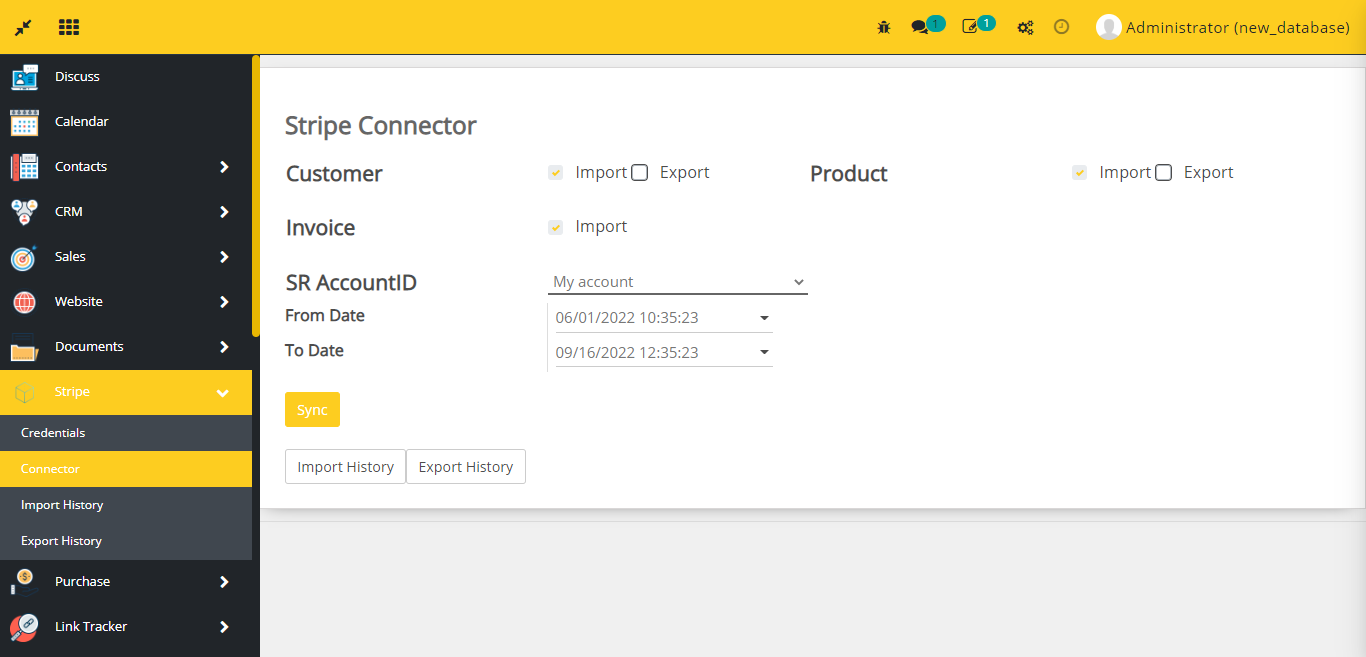
- Click on Import History button, and you can see the history of imported records.

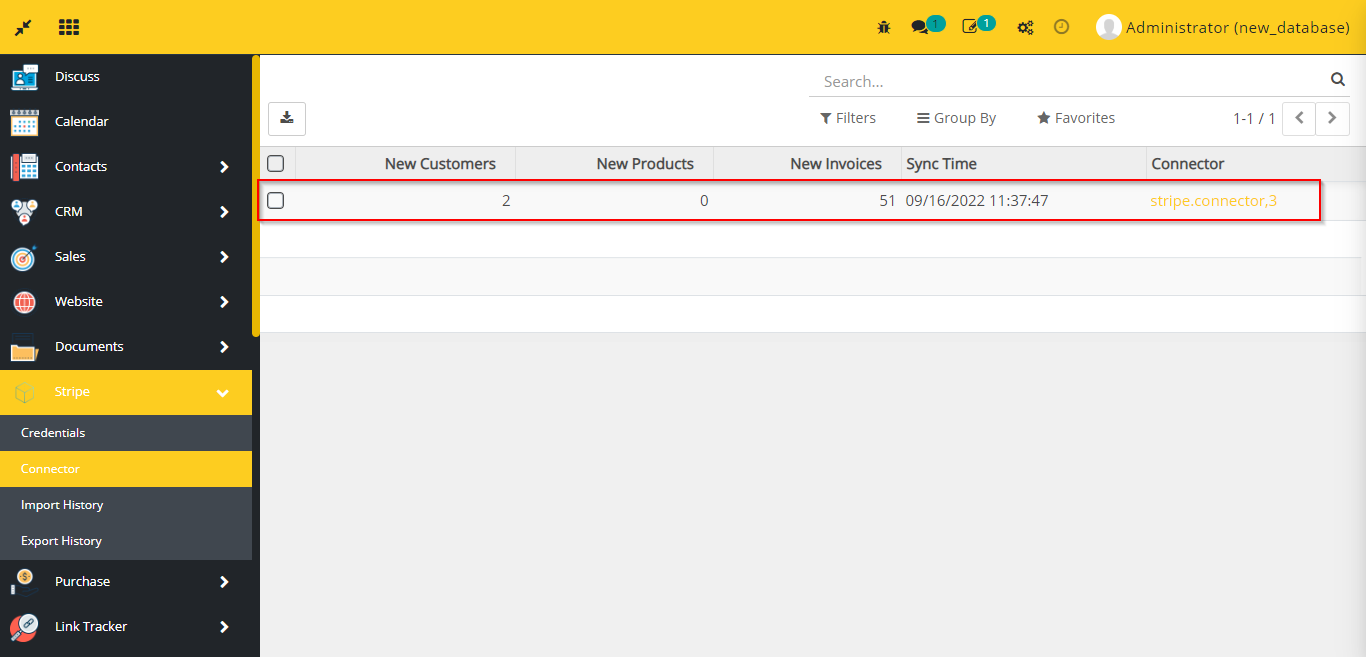
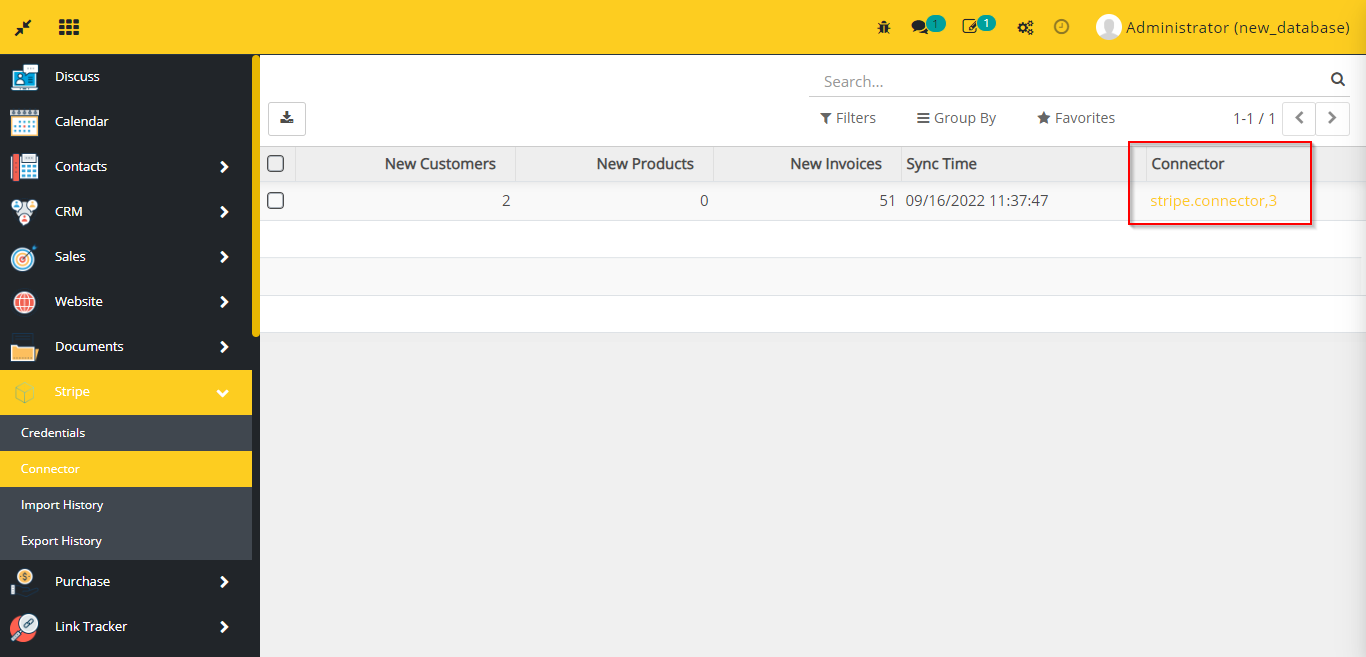
- Click on stripe.connector and you can see the details of that connector from which the records were imported.
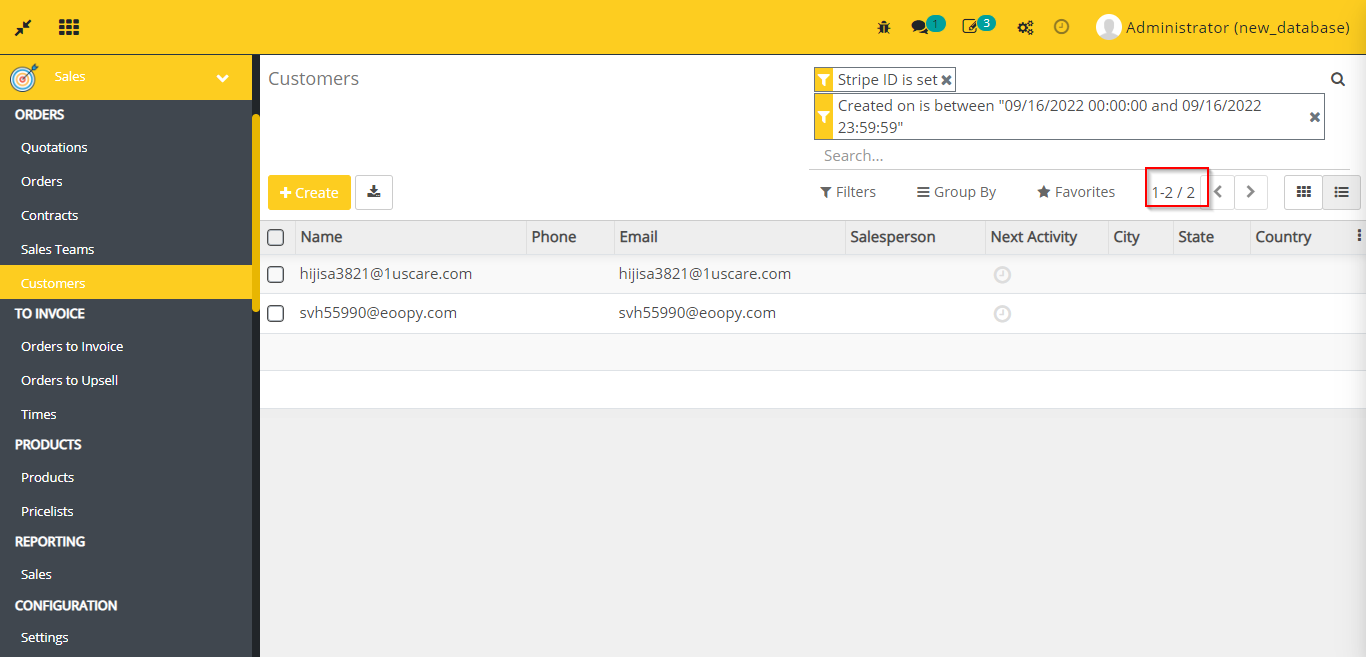
- Go to Sales -> go to Customers
- Apply the below filters:
- Stripe ID is set
- CreatedOn is {{date when the records were imported from Stripe}}
- Now you can see customers here which was imported from stripe on the given date.
- Go to Sales -> go to Products
- Apply the below filters:
- Stripe ID is set
- CreatedOn is {{date when the records were imported from Stripe}}
- Now you can see products here which was imported from stripe on the given date.
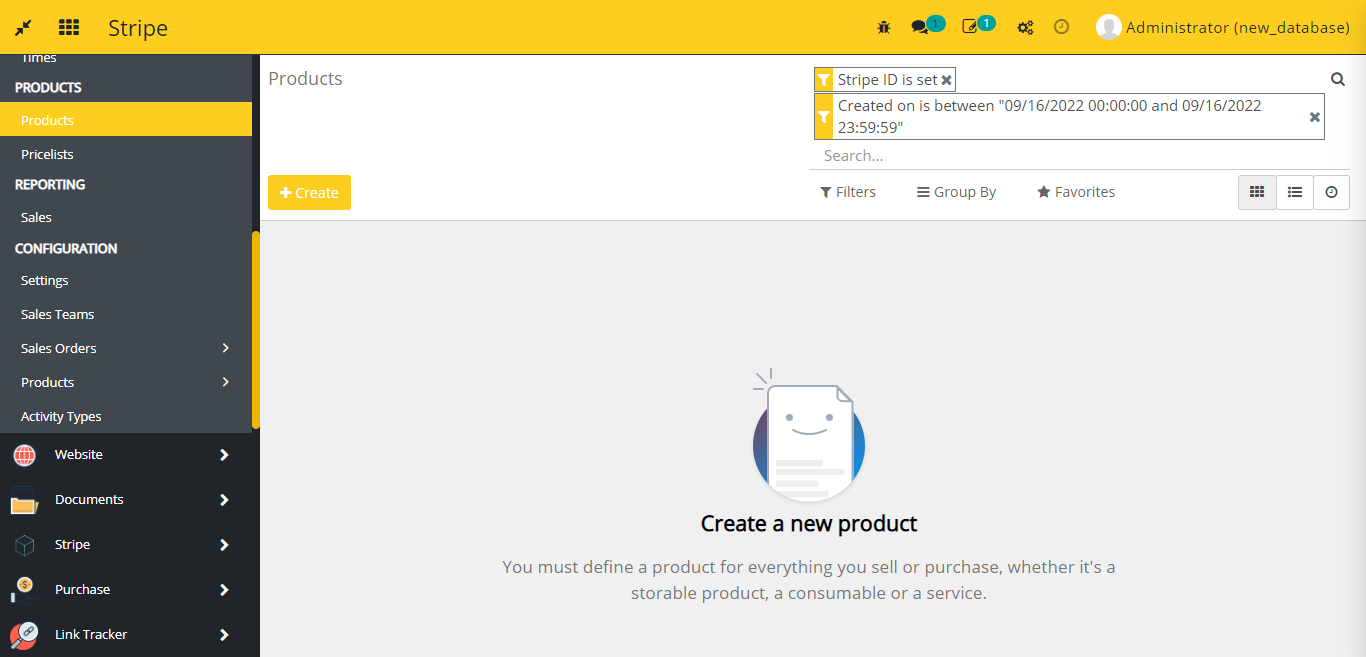
- Go to Accounting -> go to Invoices
- Apply the below filters:
- Stripe ID is set
- CreatedOn is {{date when the records were imported from Stripe}}
- Now you can see invoices here which was imported from stripe on the given date.
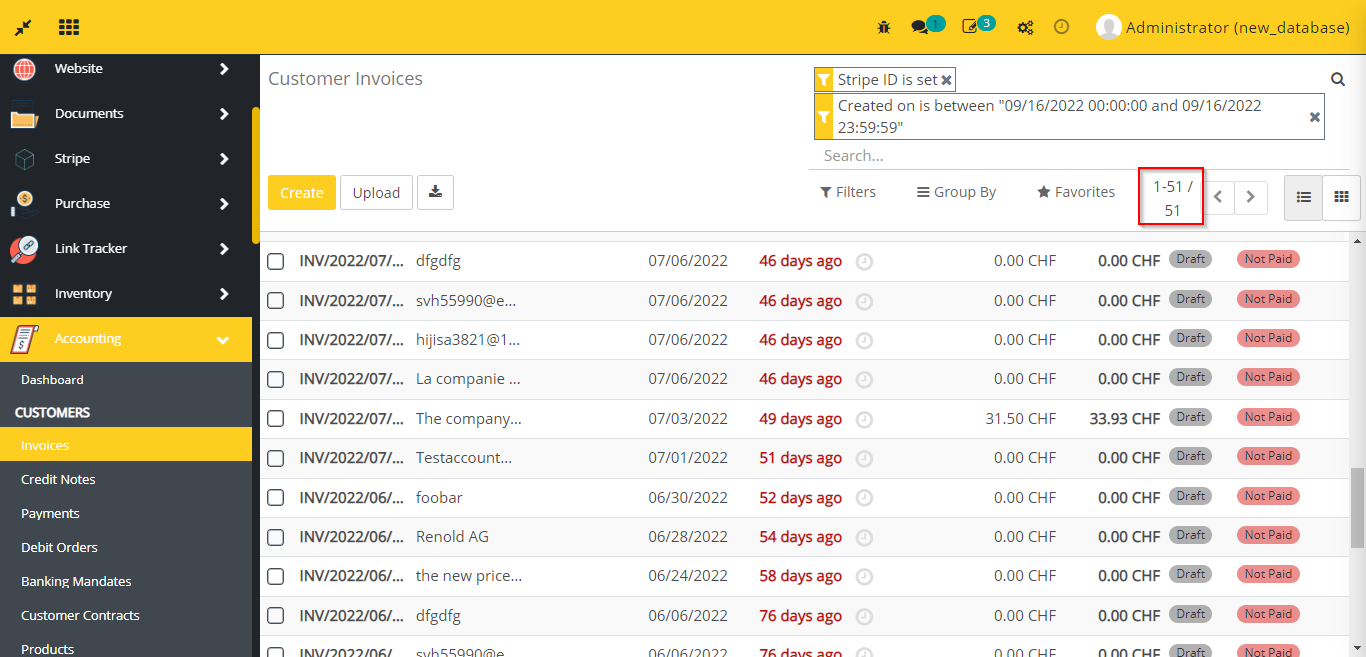
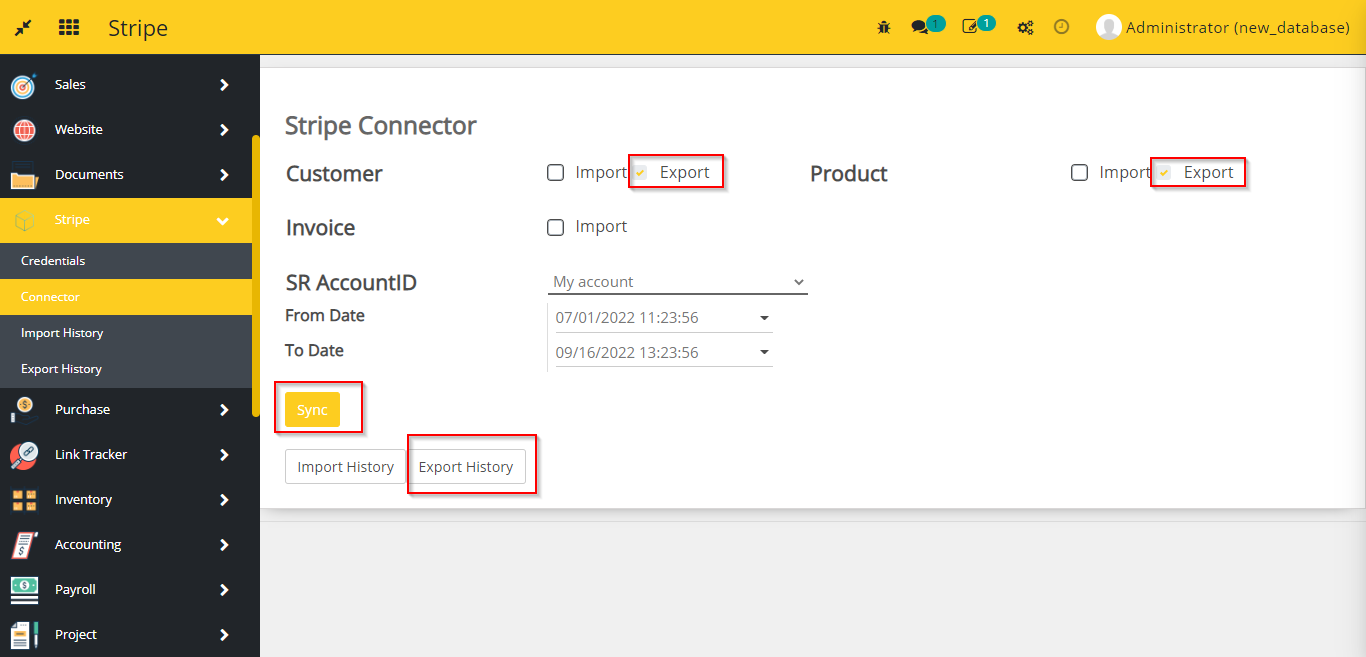
- In the same way you can export records from flectra to stripe. Select Export box for those models which you want to export from flectra and click on Sync button.
- Click on Export History button, and you can see the history of exported records.
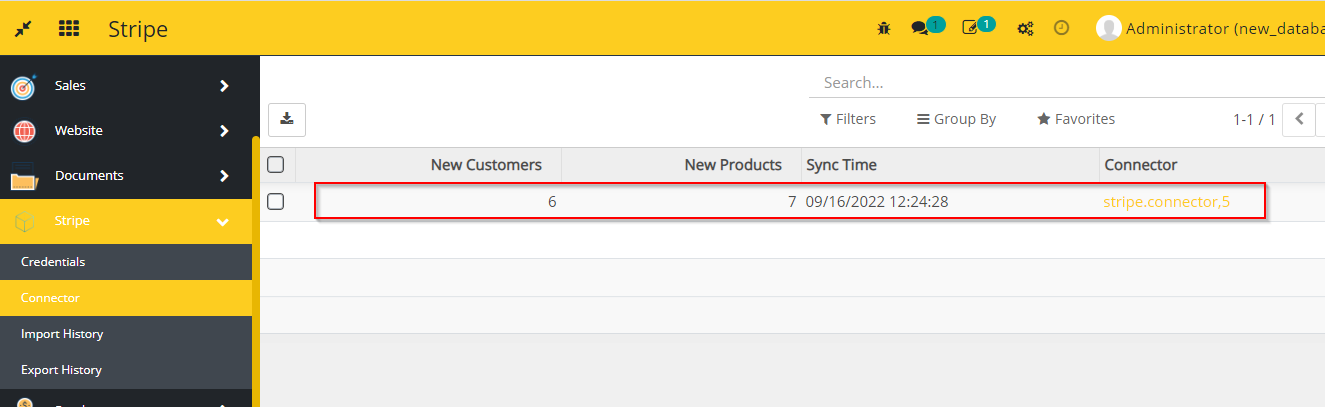
- You can see customers and product in stripe which was exported from flectra.
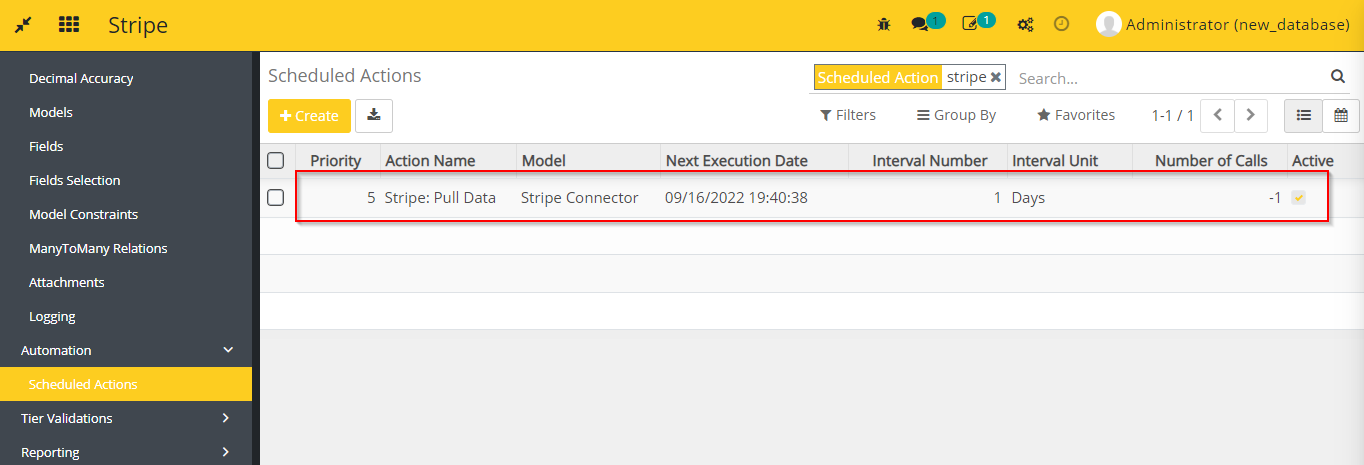
- In this module a Scheduled Action is syncing records from stripe to flectra automatically in every 24 hours.
- Go to Settings -> go to Automation -> you can see the scheduled action here.
Dependent modules
- base
- account
Change logs
- [31-01-2023] Changed Removal of useless manifest code and code formatting
- Fixed Fixed stripe quantity (for 0) and currency issue
- ADDED Stripe Invoice Sync Module